How to install Oleada TV on Firestick
Guide to install Oleada TV on Firestick: Magis Pro → Oleada method (recommended) or direct Downloader install.
How to install Oleada TV on Firestick
You need Developer Options enabled. If not yet: Activate Developer Options on Firestick.
There are two methods. Method 1 (Magis Pro → Oleada) is safer. Method 2 installs Oleada directly, but Firestick may block it later.
Method 1: Magis Pro to Oleada (recommended)
-
On the home screen, go left to Search.
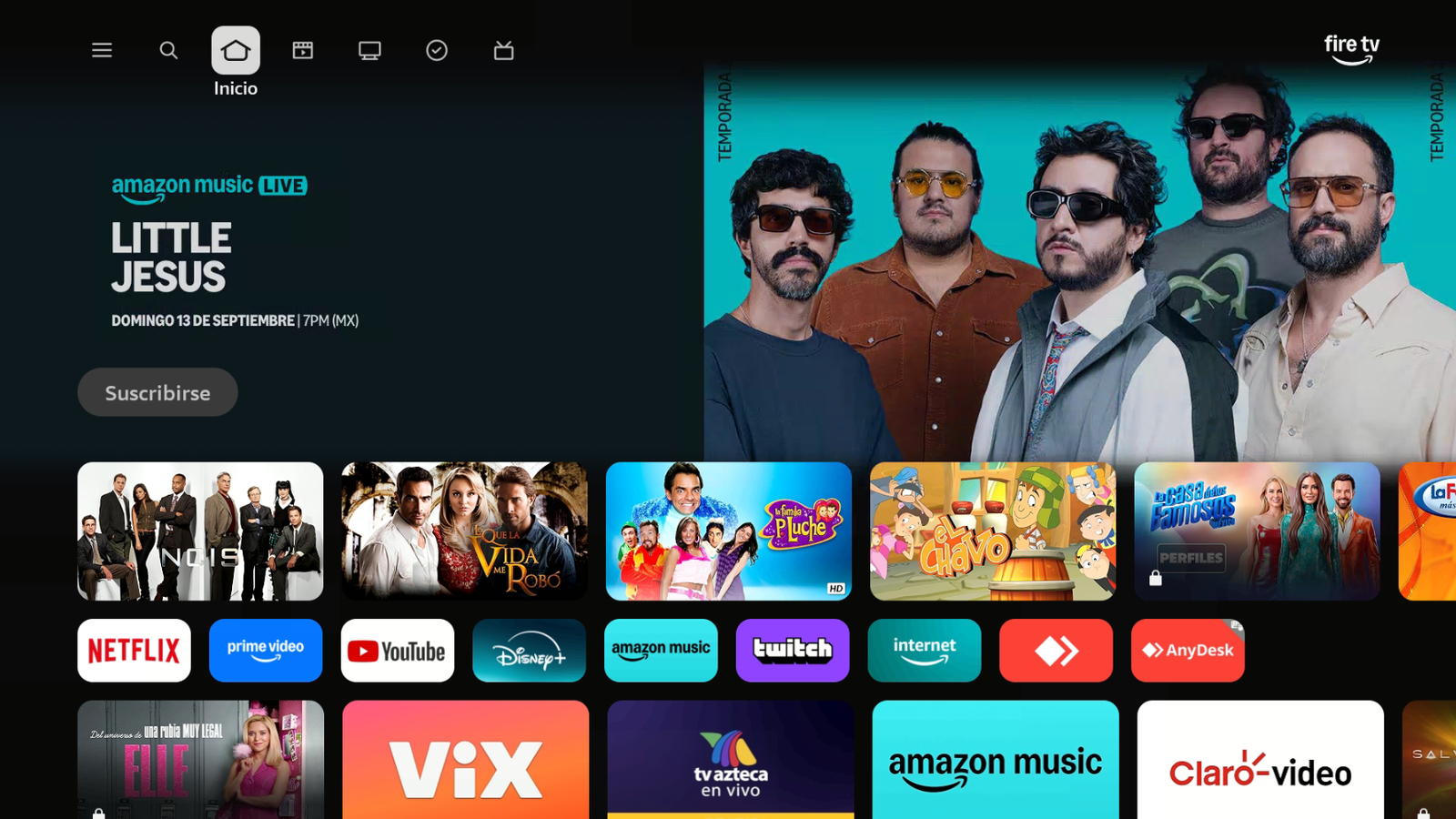
From Home, go to Search. -
Open Search.
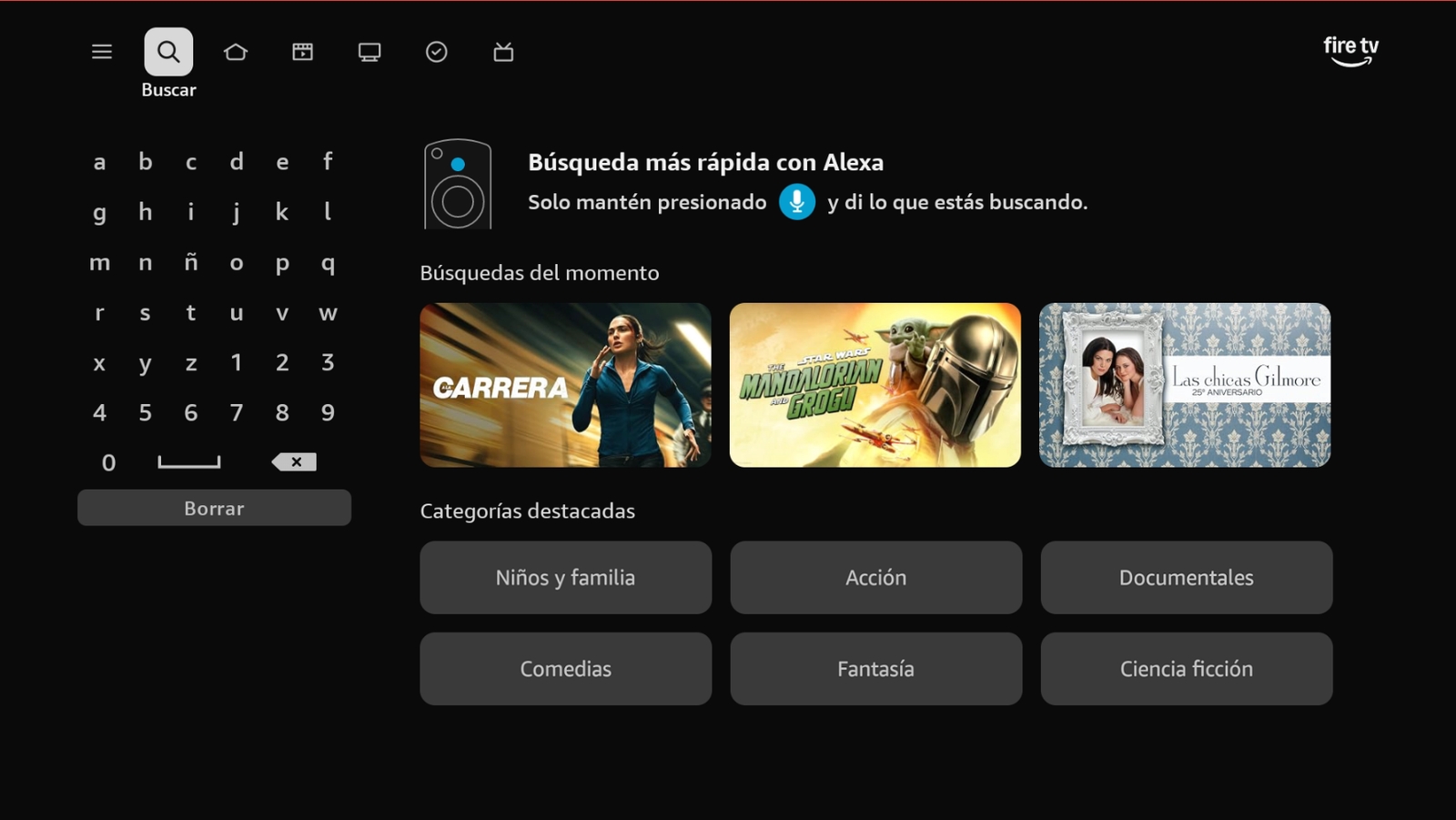
Open Search. -
Search for Downloader by AFTVnews.
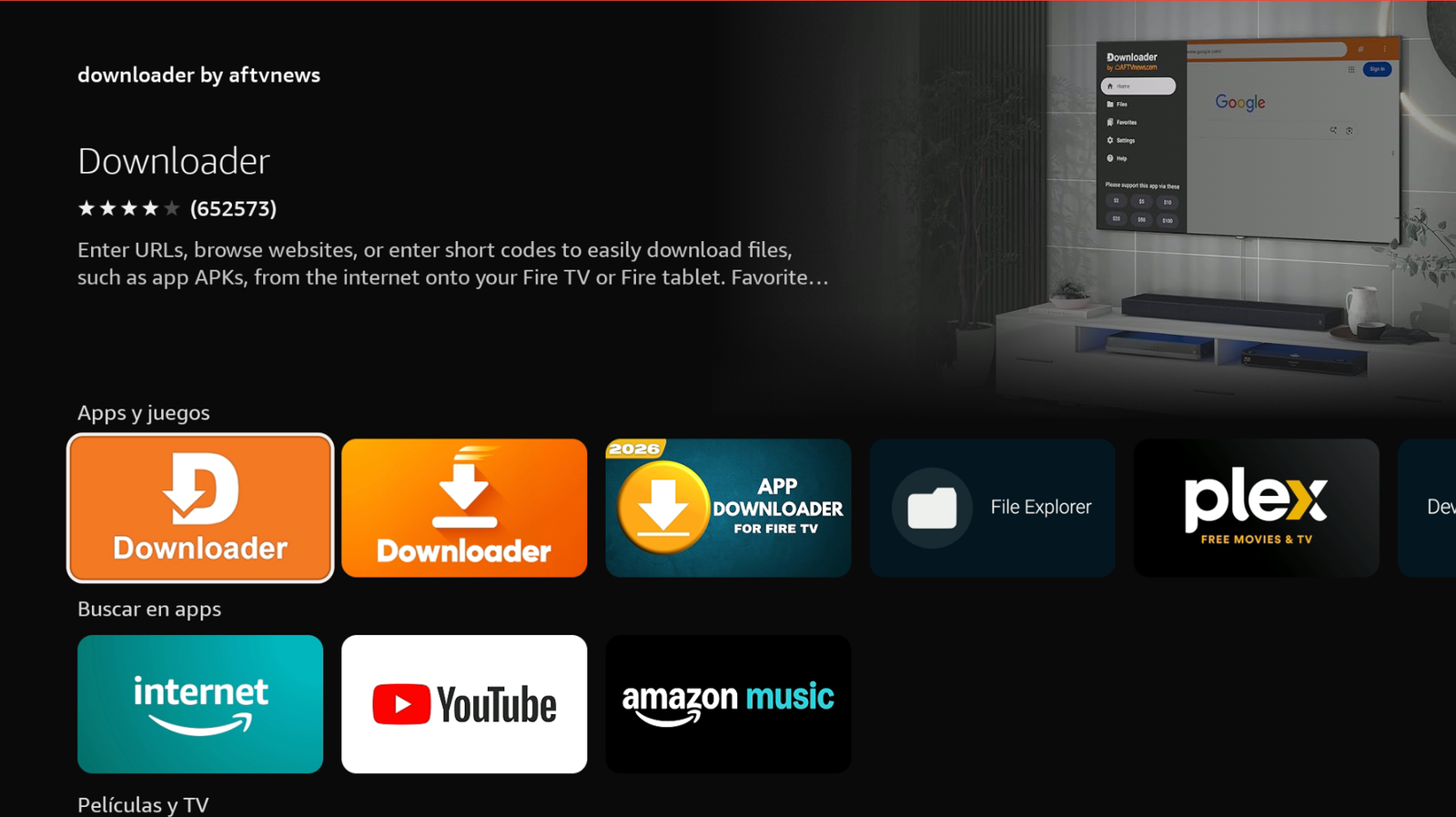
Search for Downloader. -
Download and install it. Make sure the developer is AFTVnews.com.
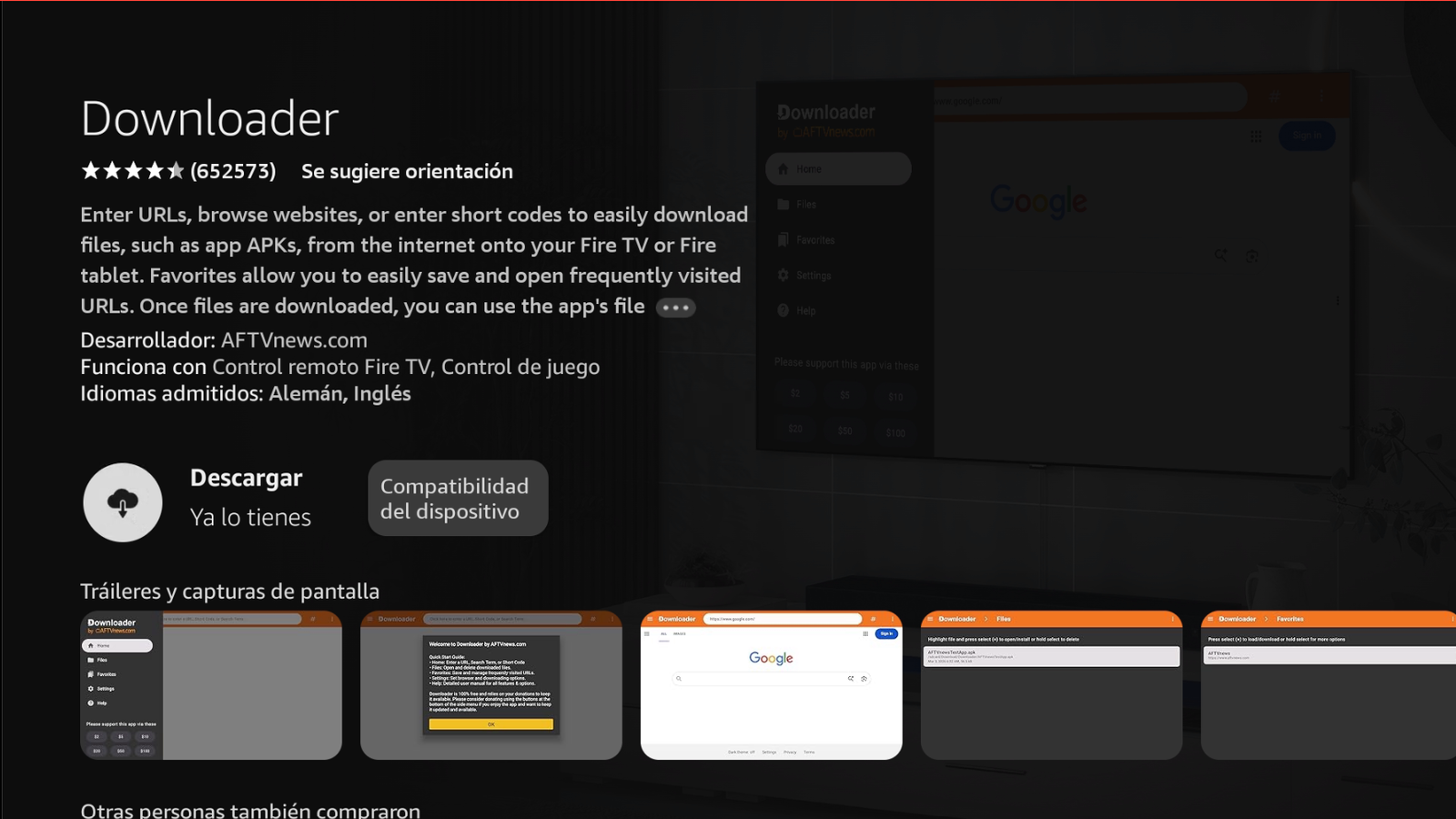
Download and install Downloader. -
Go to Home → Settings → My Fire TV → Developer options → Install unknown apps and enable Downloader.
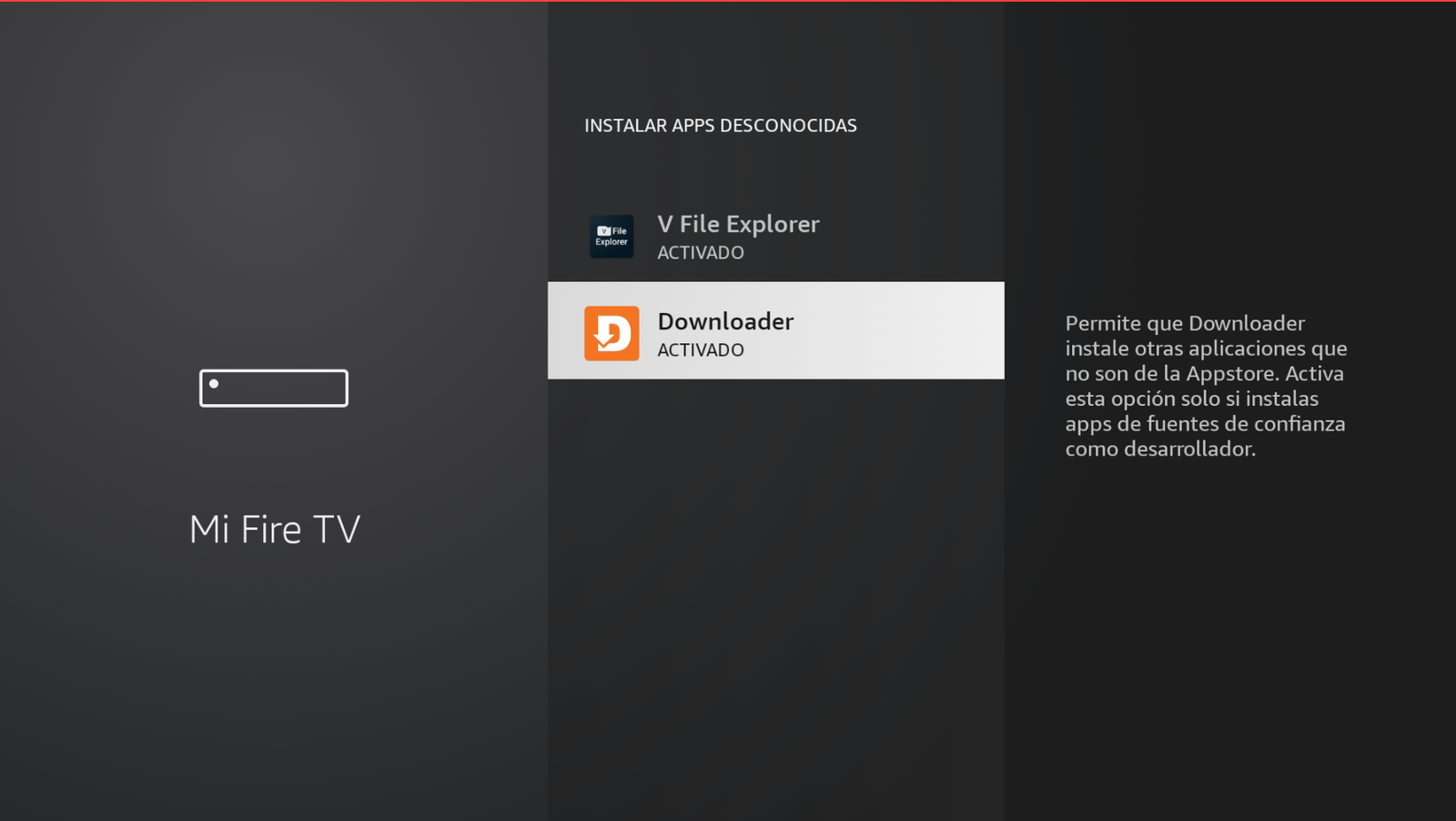
Downloader → ON. -
Open Downloader by AFTVnews.
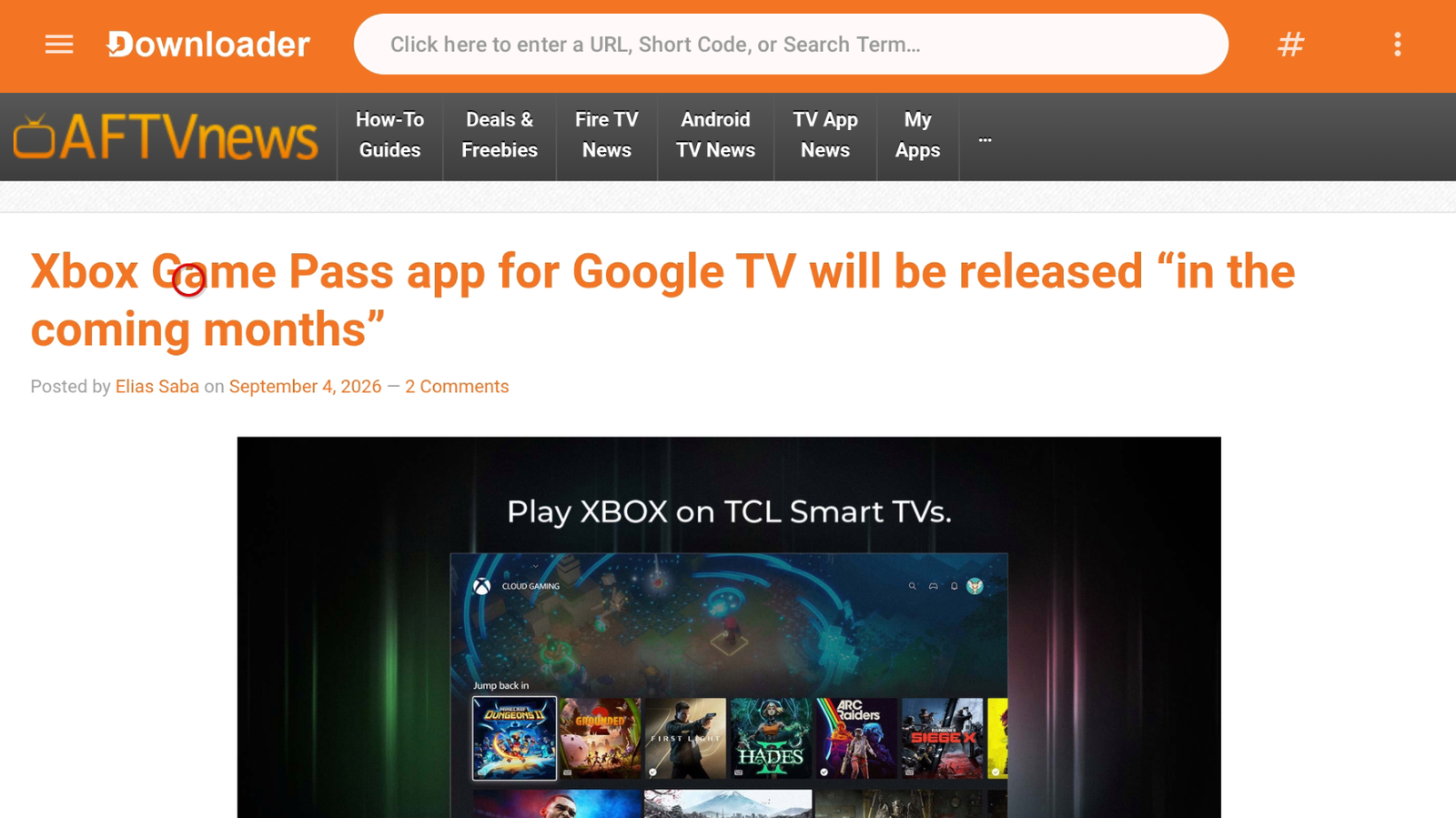
Open Downloader. -
Enter code 1290332 and tap Next.
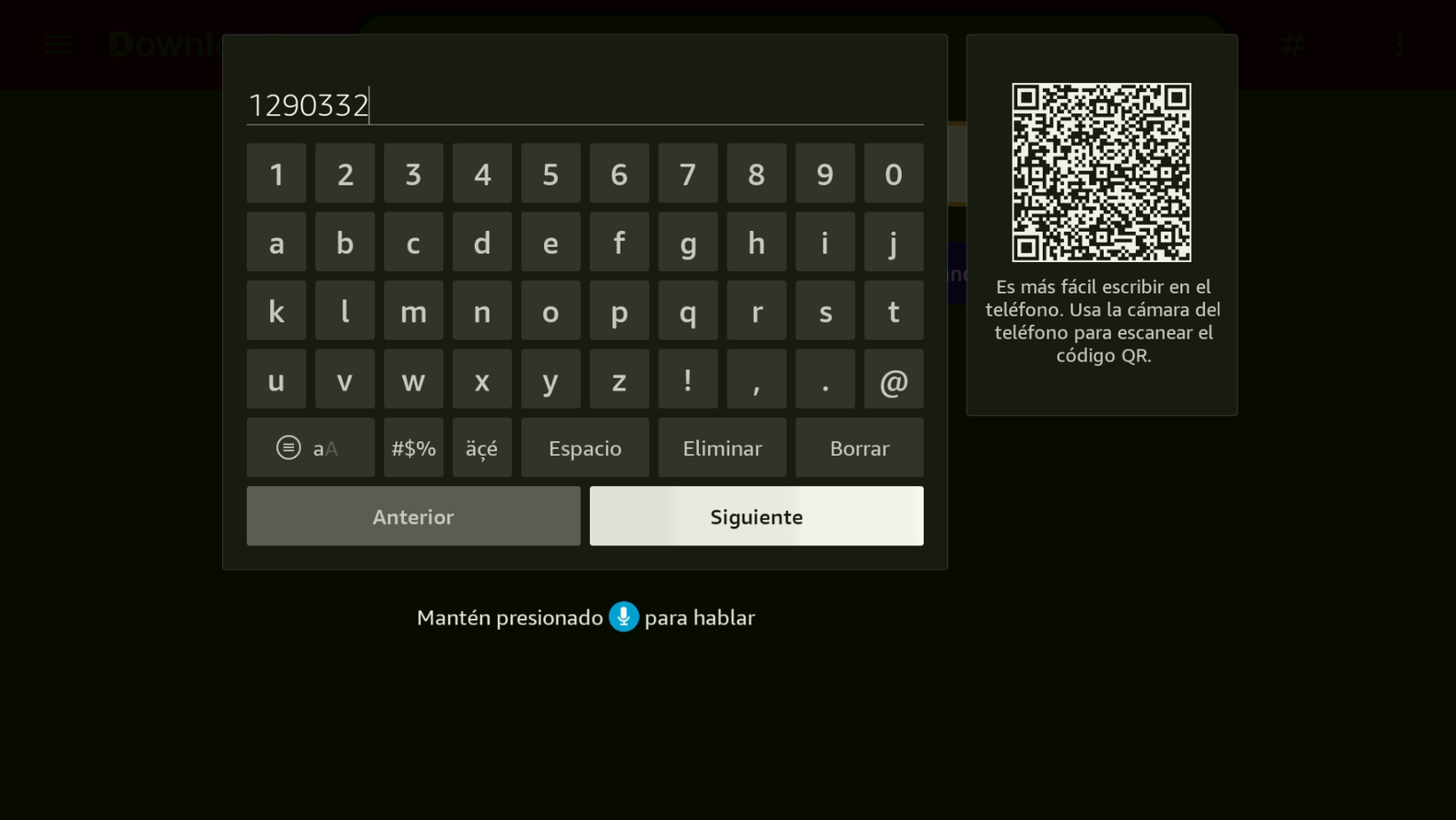
Magis Pro code: 1290332. -
Wait a few seconds for the download.
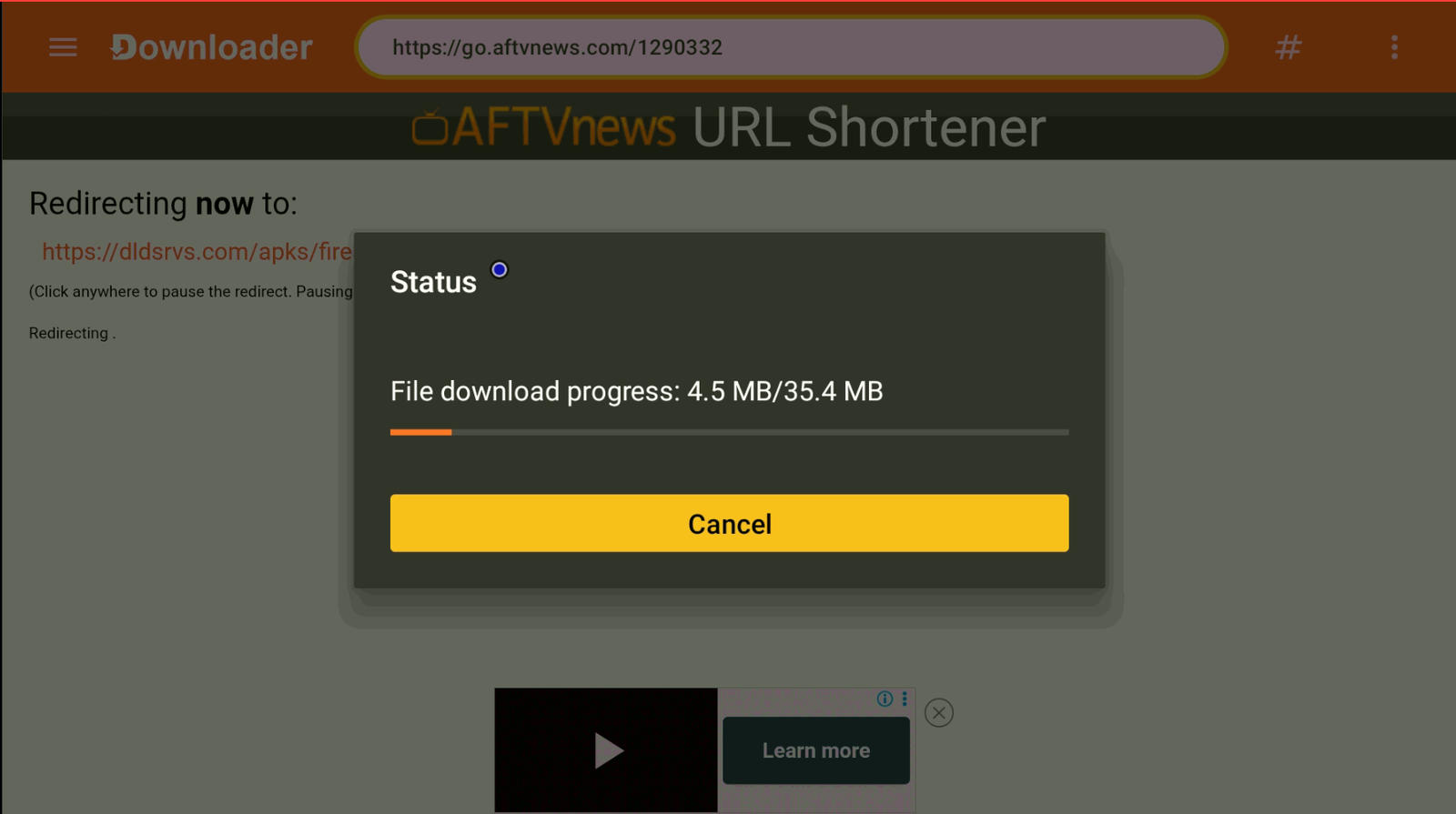
Wait for the download. -
Tap Install. When it finishes, do not open the app — tap Done.
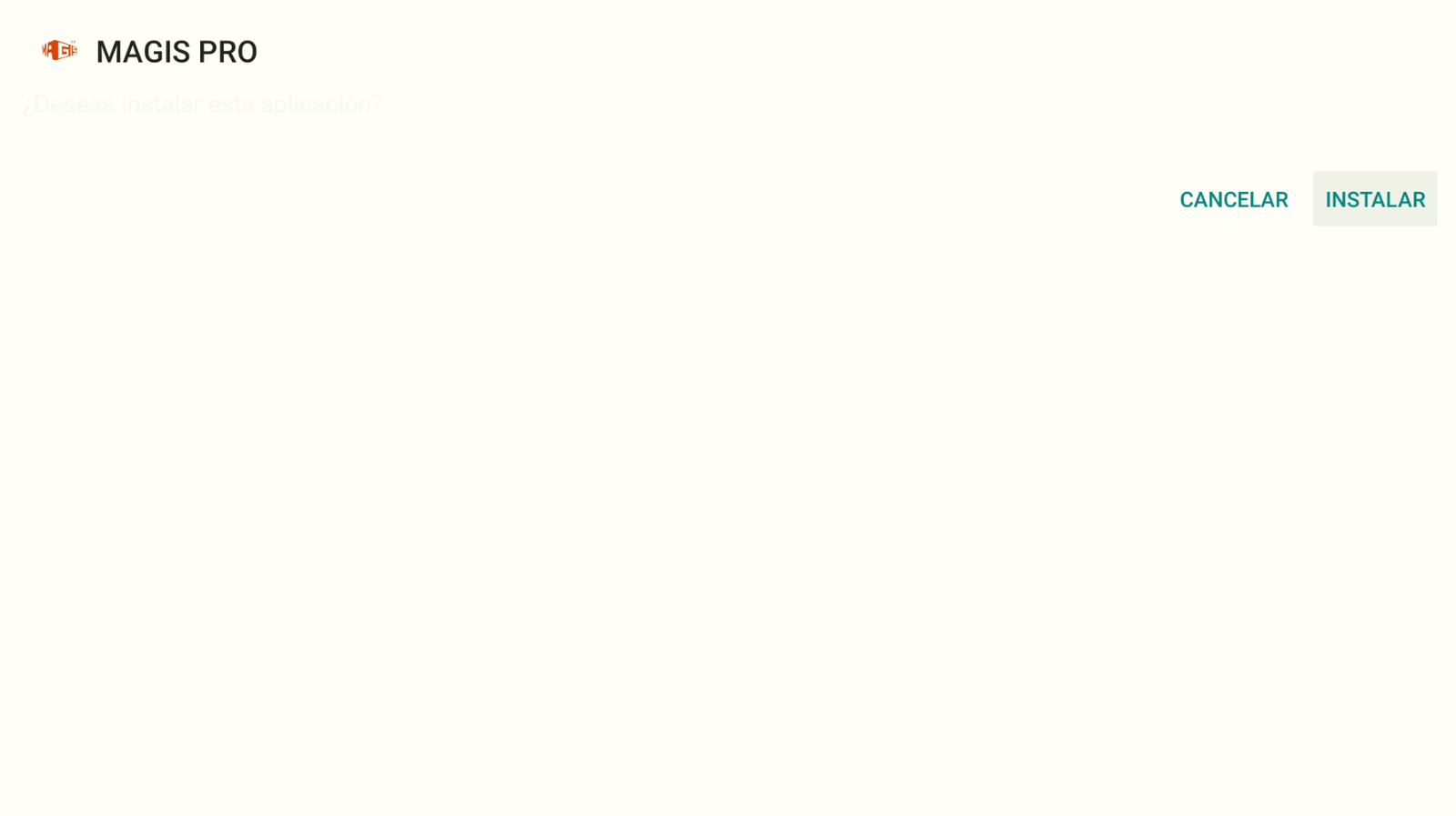
Install → then Done (not Open). -
Delete the installer file in Downloader to keep the device clean.
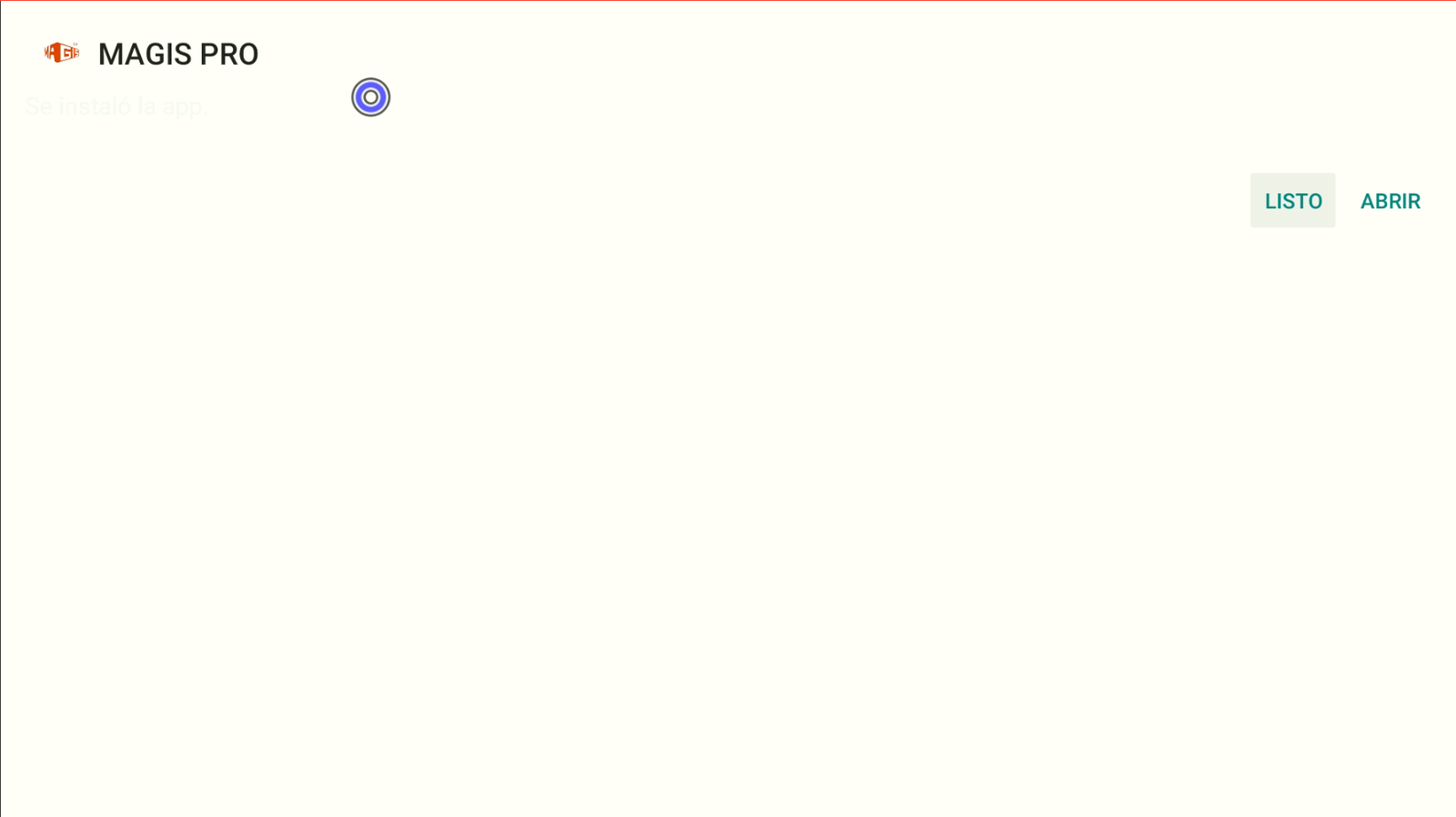
Delete the downloaded file. -
Go back to Install unknown apps and enable Magis Pro.
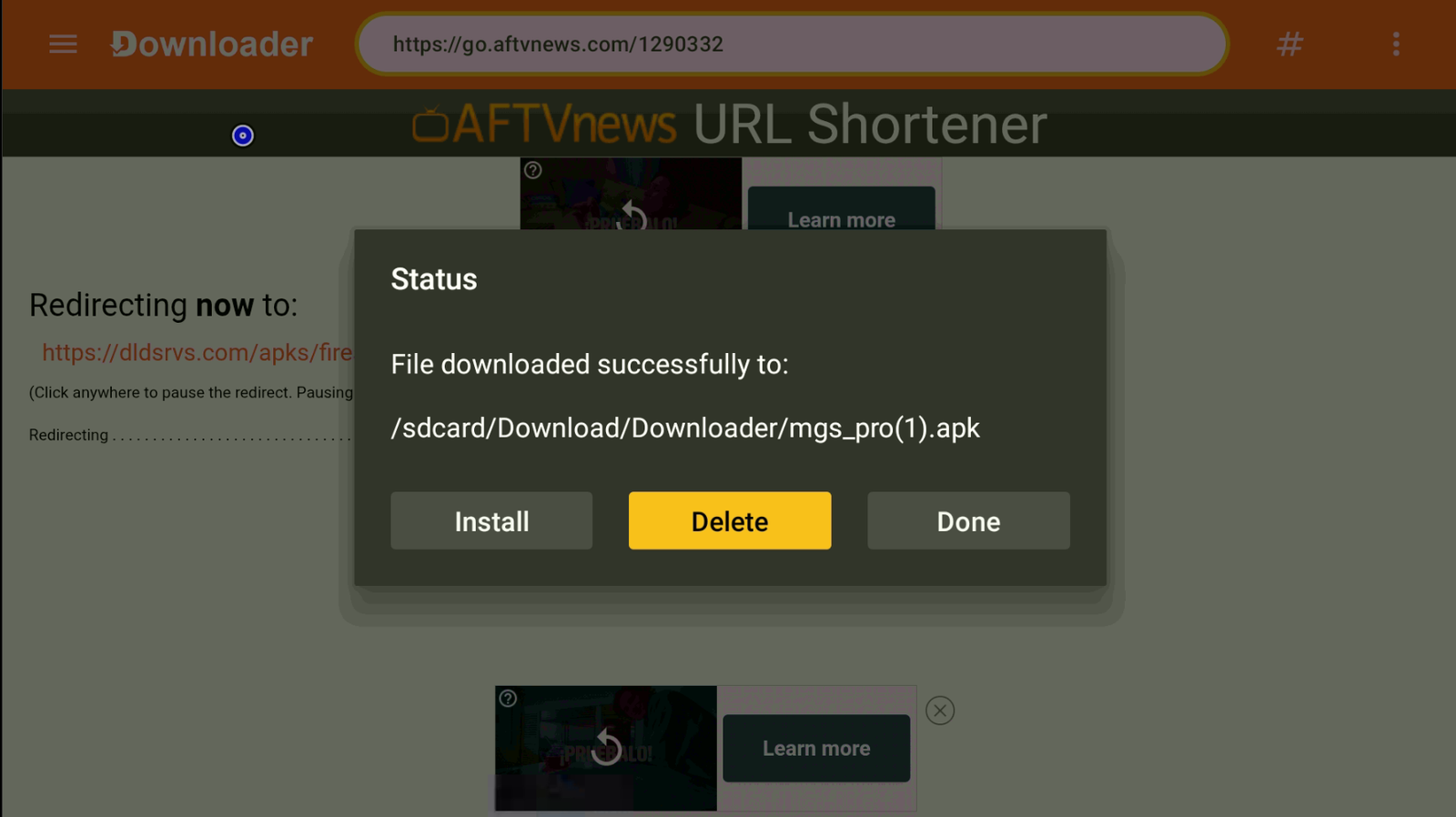
Magis Pro → ON. -
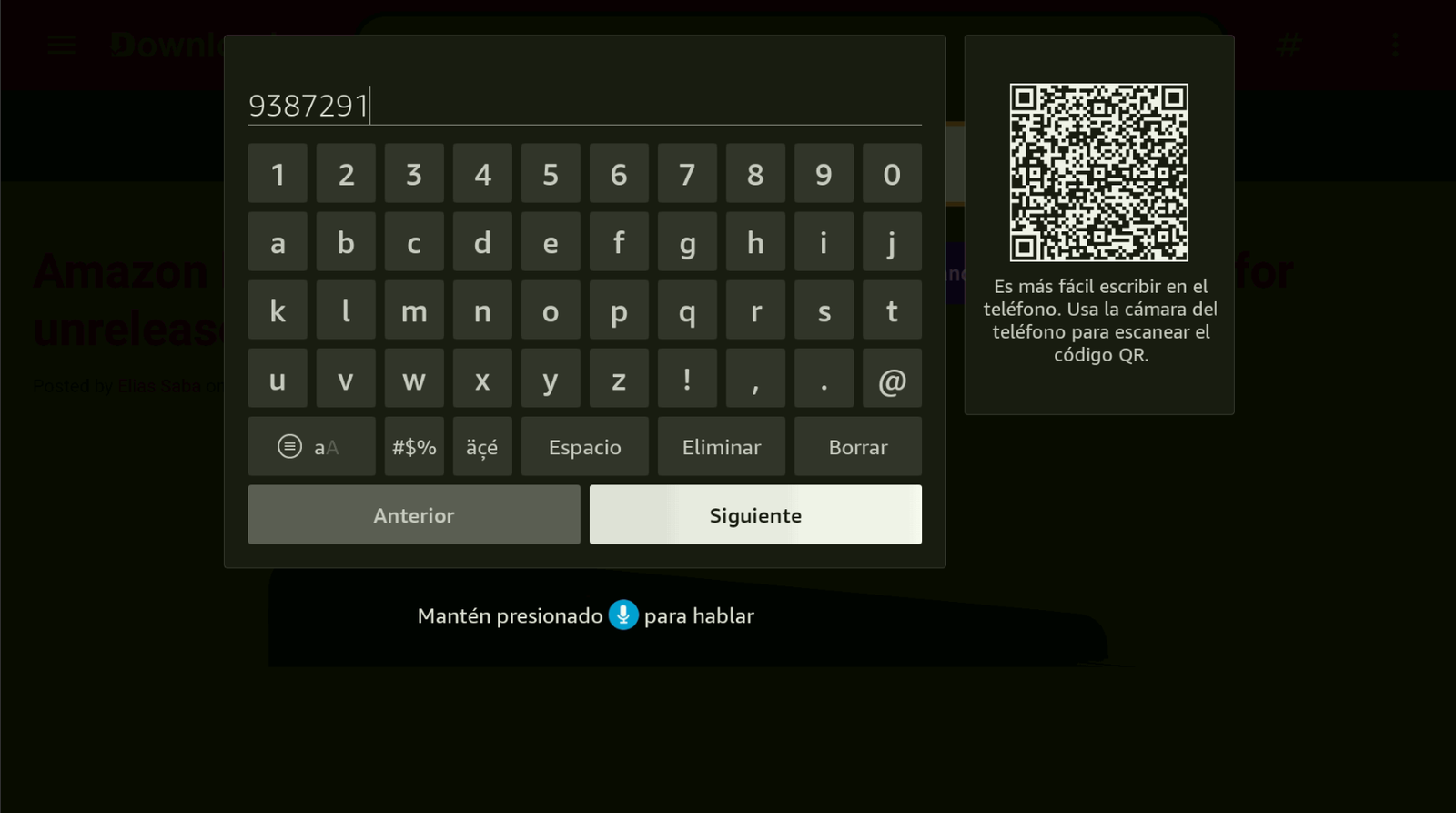
Return to Downloader, enter code 9387291, and tap Next.
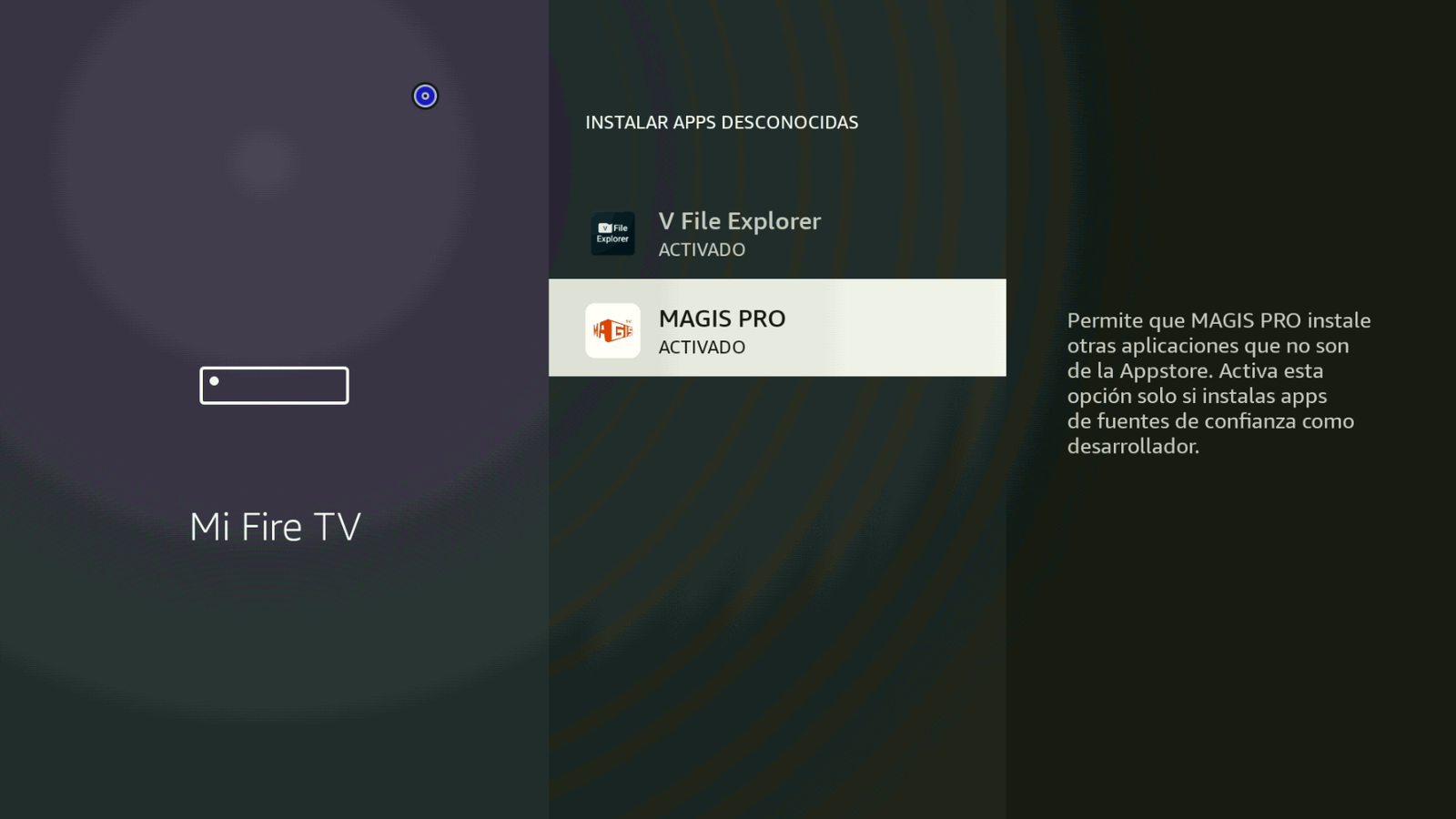
Oleada code: 9387291. -
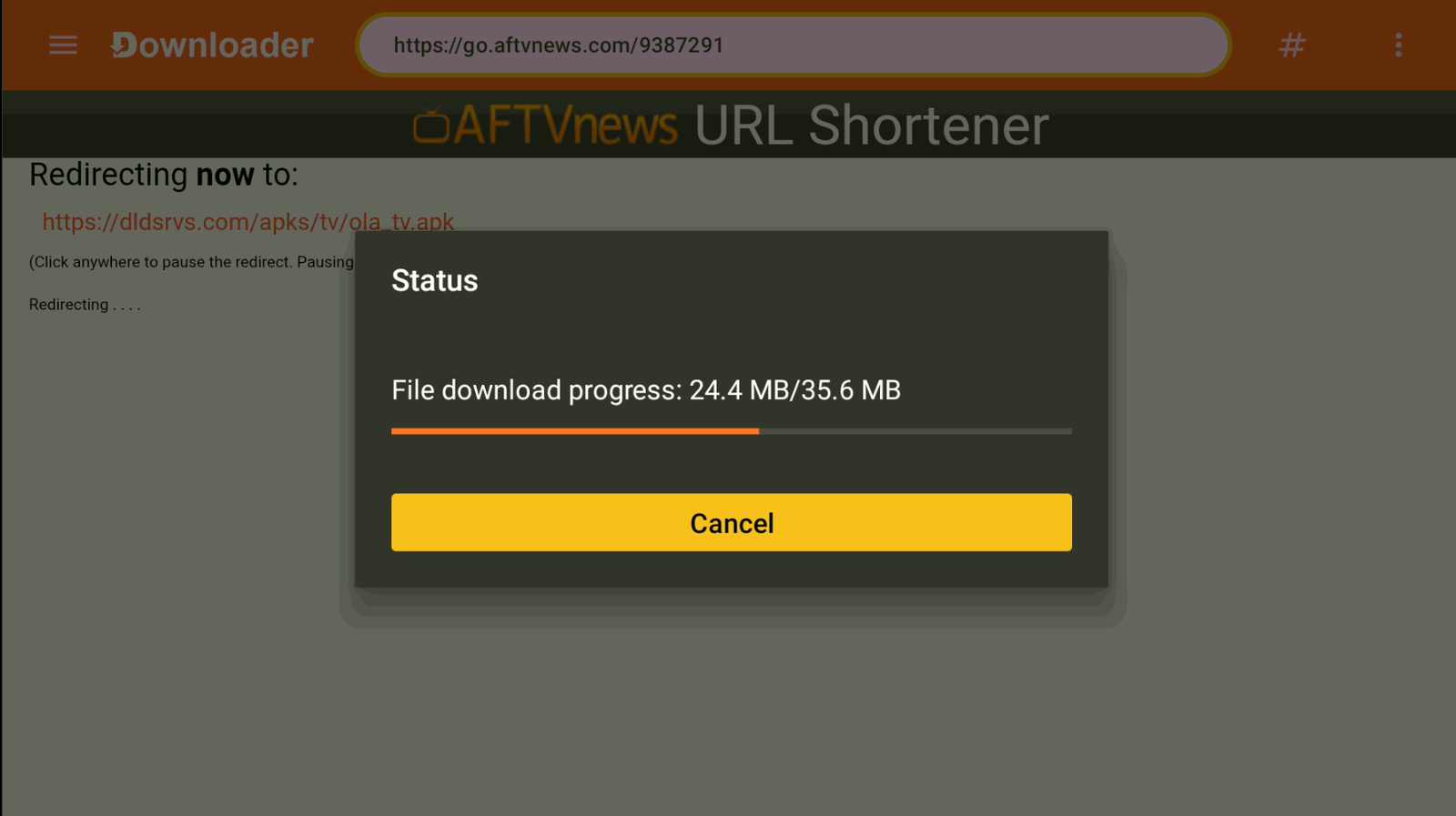
Wait for the download to finish.
Wait for the Oleada download. -
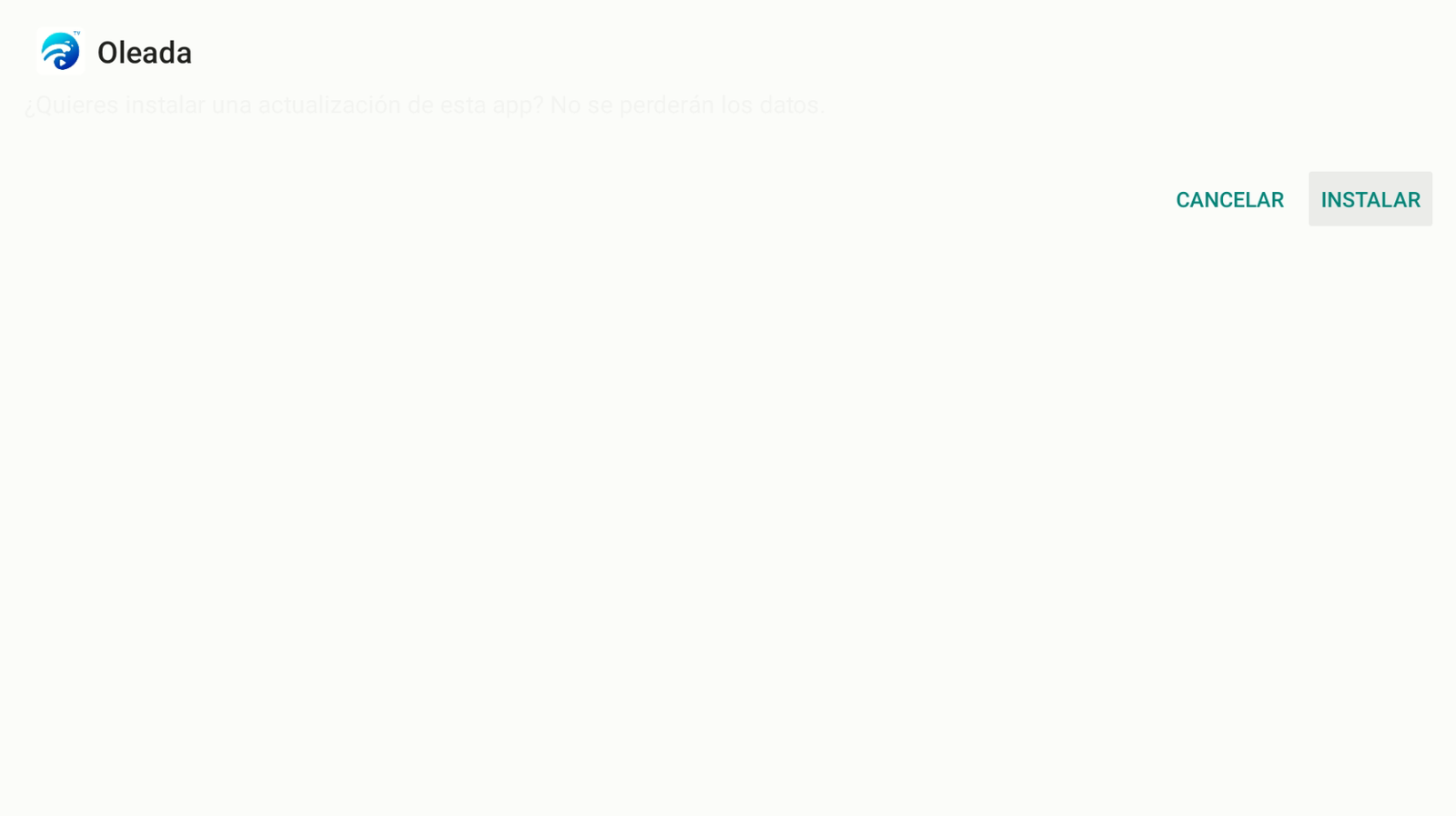
Install the Oleada TV update/app.
Tap Install. -
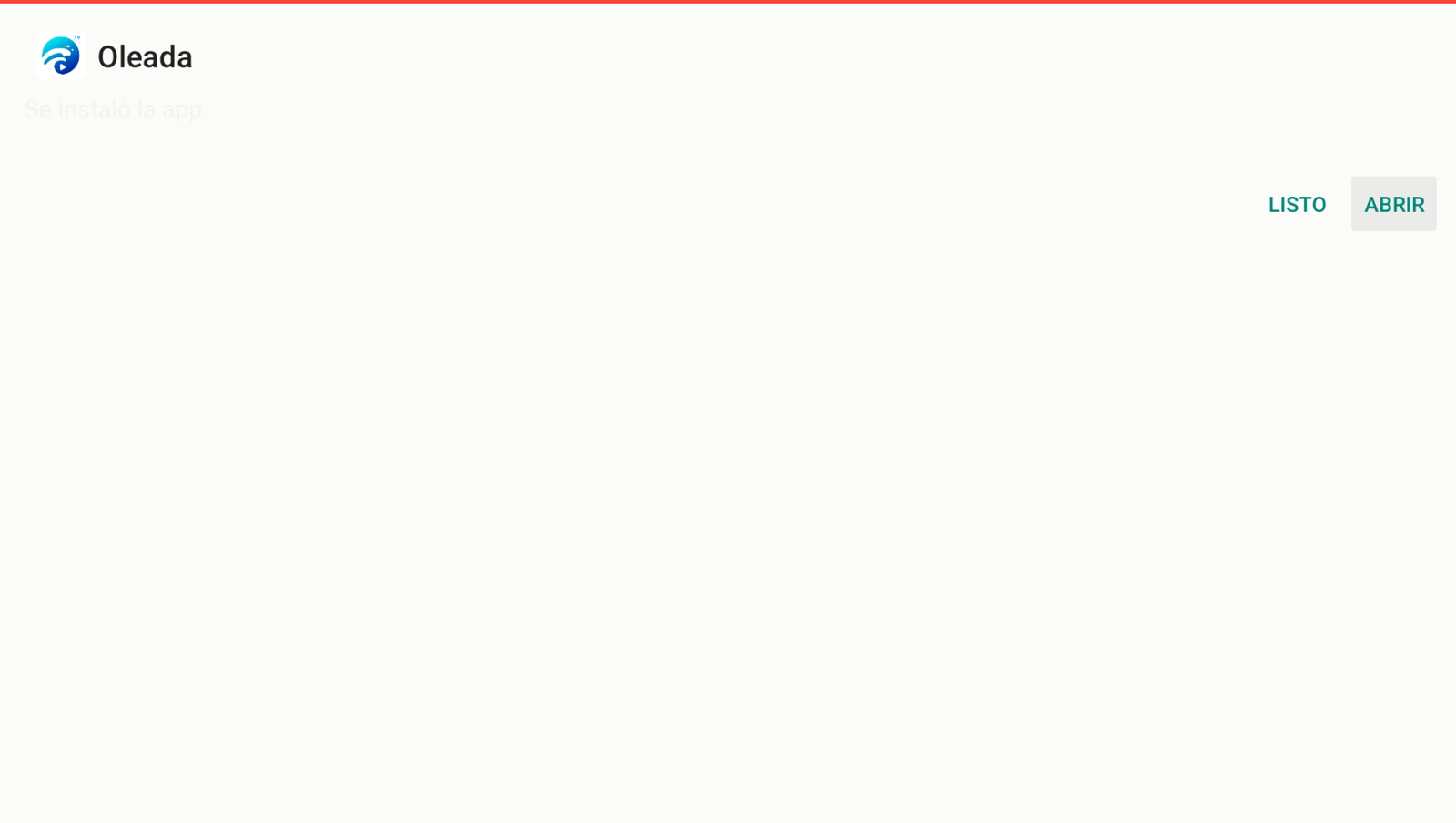
When it finishes, tap Open (or Done, then open from the menu).
Open Oleada TV. -
Confirm the app is installed — you’re done.
Oleada installed.
Method 2: Direct Oleada (simpler)
This installs Oleada directly. Easier, but Firestick may block it later. Method 1 is safer.
-
Open Downloader by AFTVnews, enter 9387291, and tap Next.
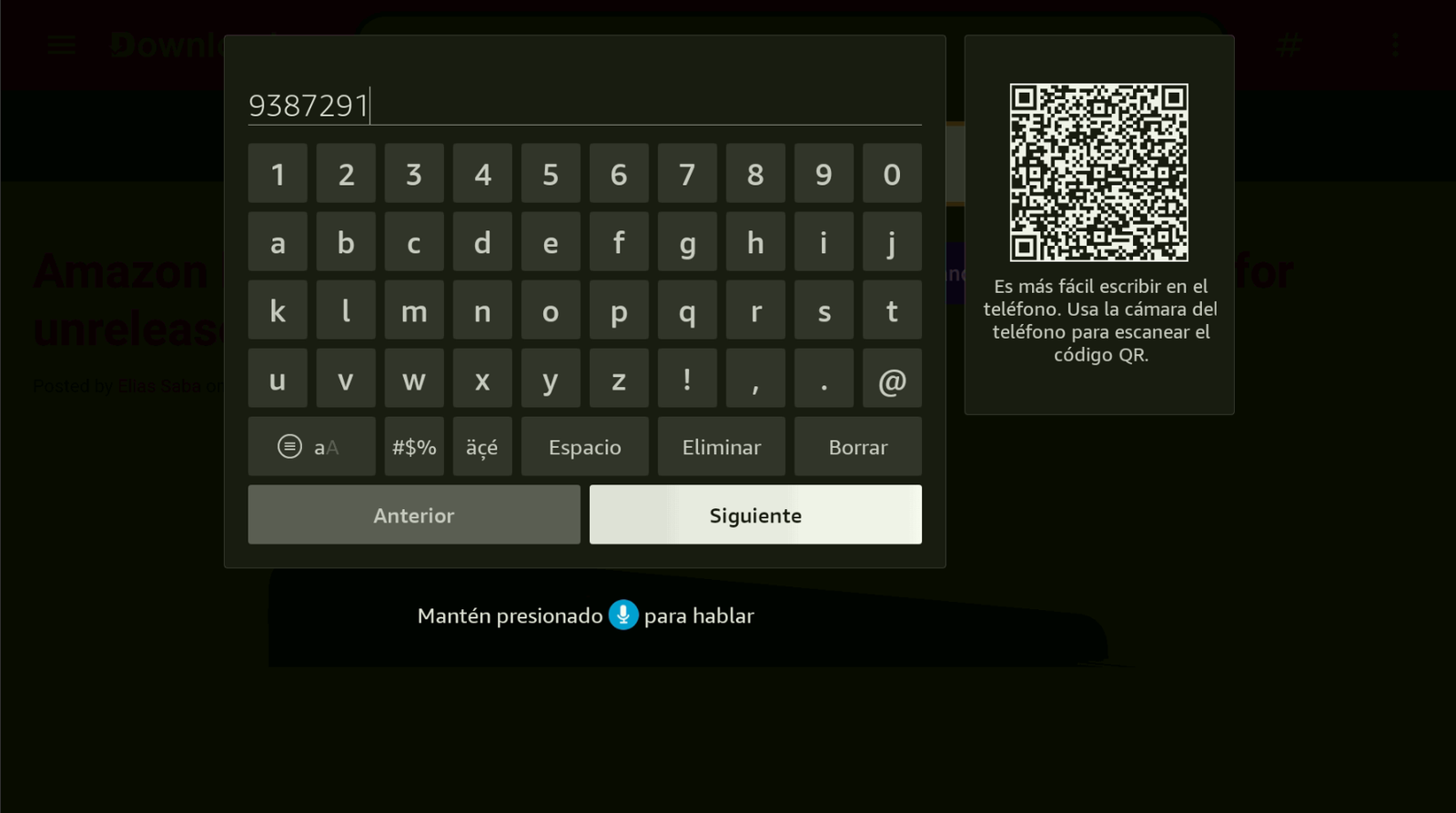
Code: 9387291. -
Wait for the download to finish.
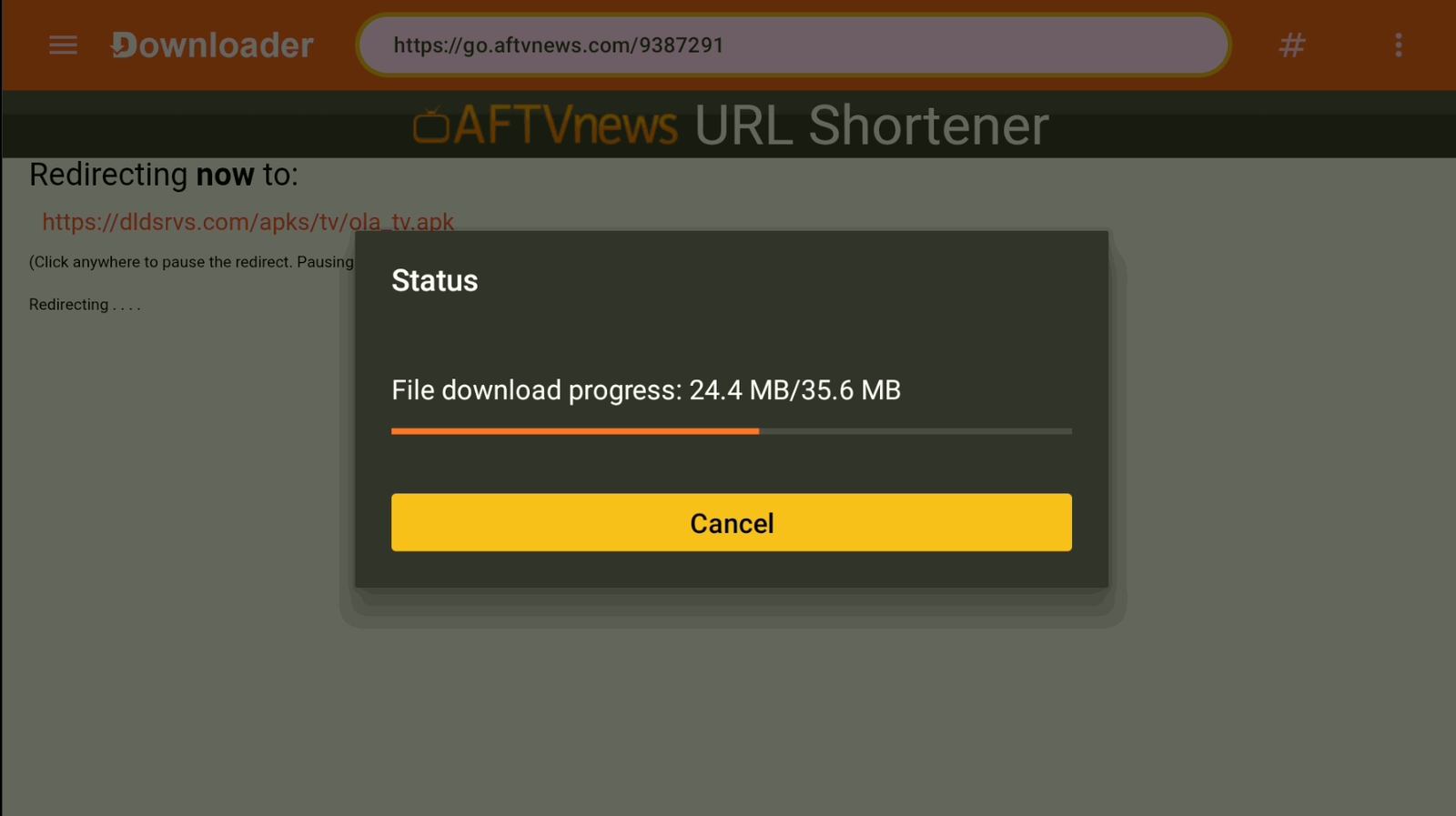
Wait for the download. -
Install Oleada TV.
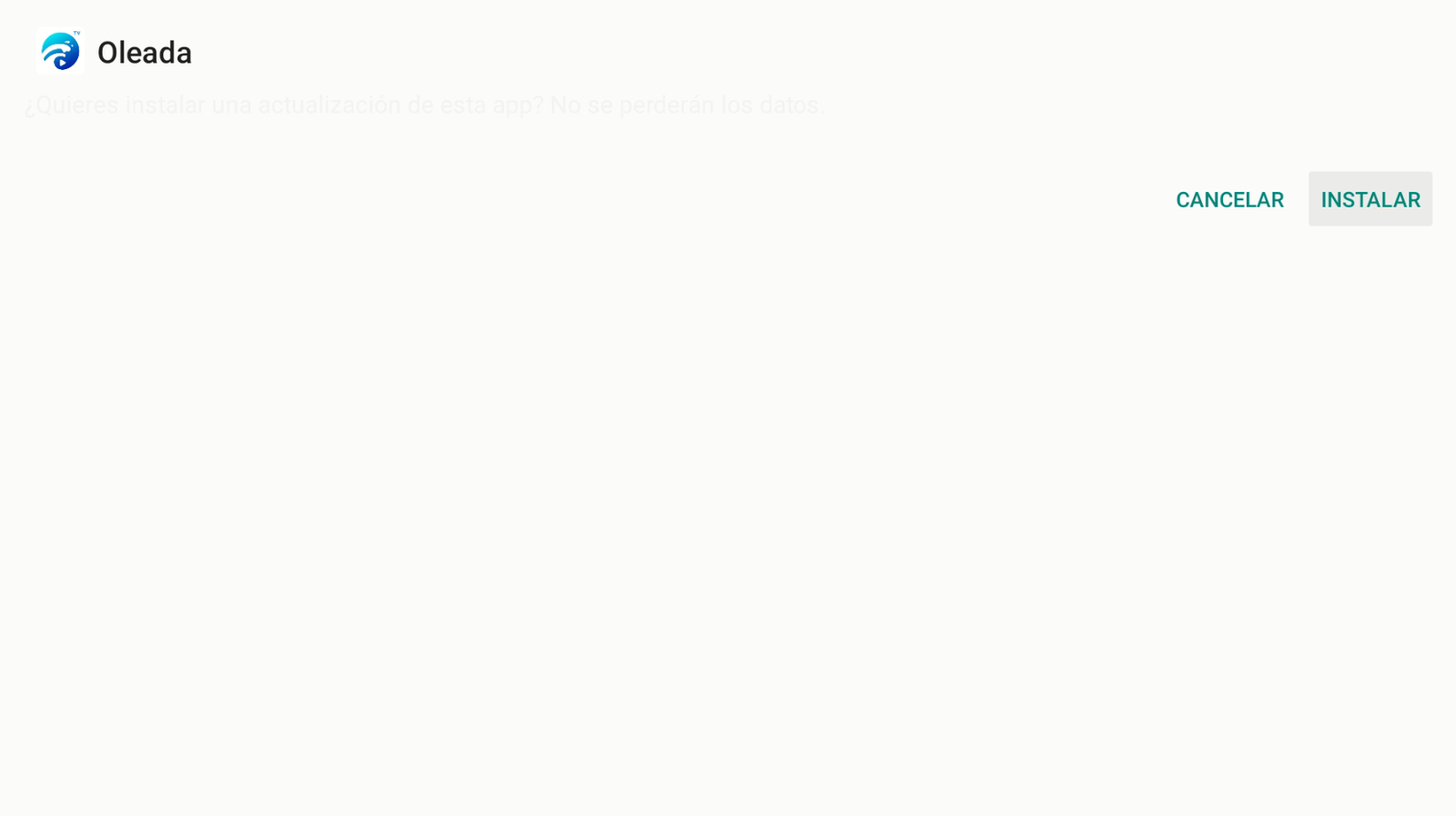
Tap Install. -
Open the app.
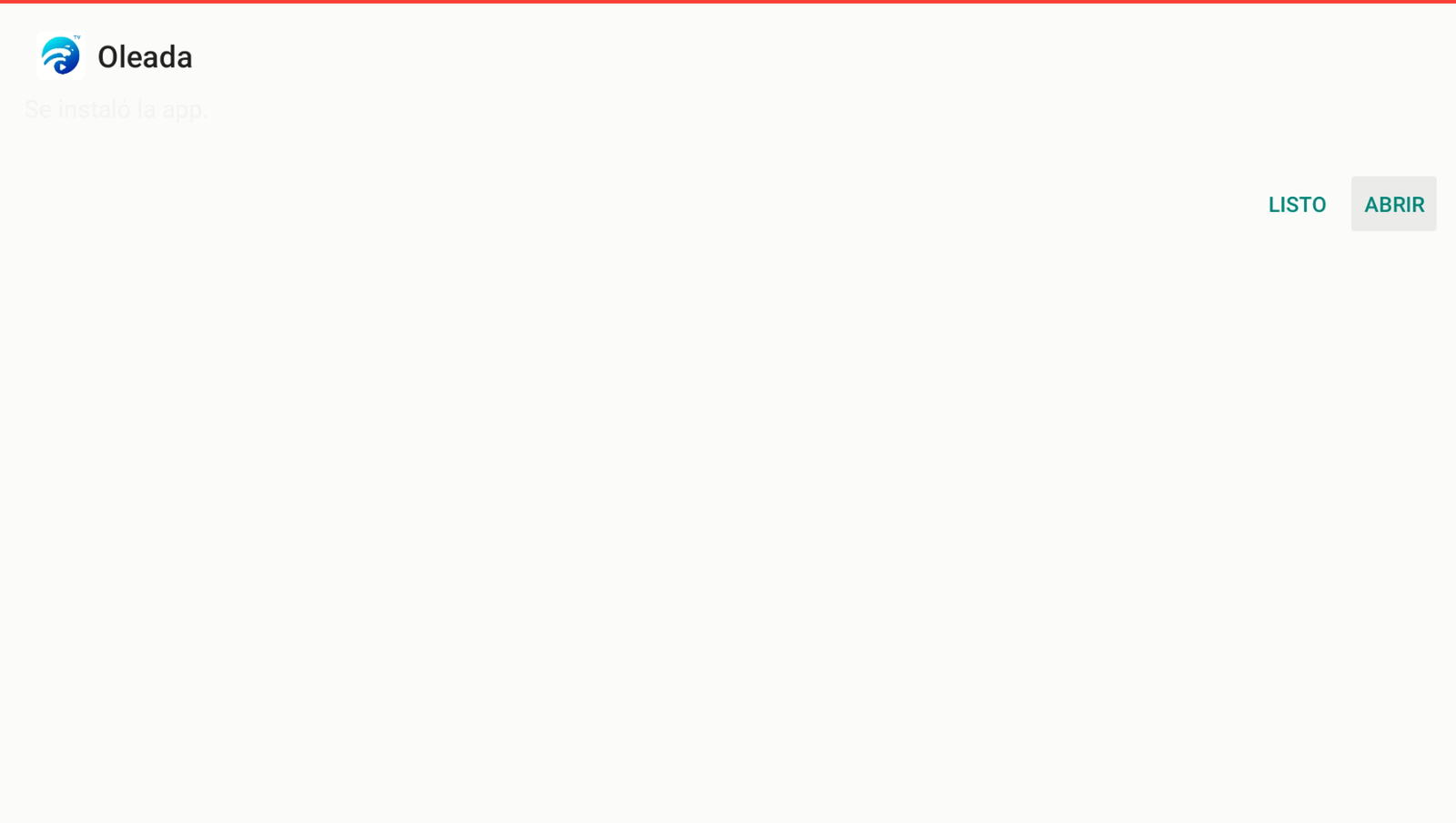
Open Oleada TV.
Buy Oleada TV
To buy an Oleada TV account, contact us on WhatsApp: +52 55 2707 7840.
Comments
Comments will appear once Disqus is configured.