How to update Buzo TV on Firestick (fix)
Step-by-step Firestick fix to update Buzo TV: clear cache/data or reinstall with Downloader (code 1844423).
Update Buzo TV on Firestick
When you open the app you may see an update window. If installation fails (for example, a package parse error), use one of these two methods.
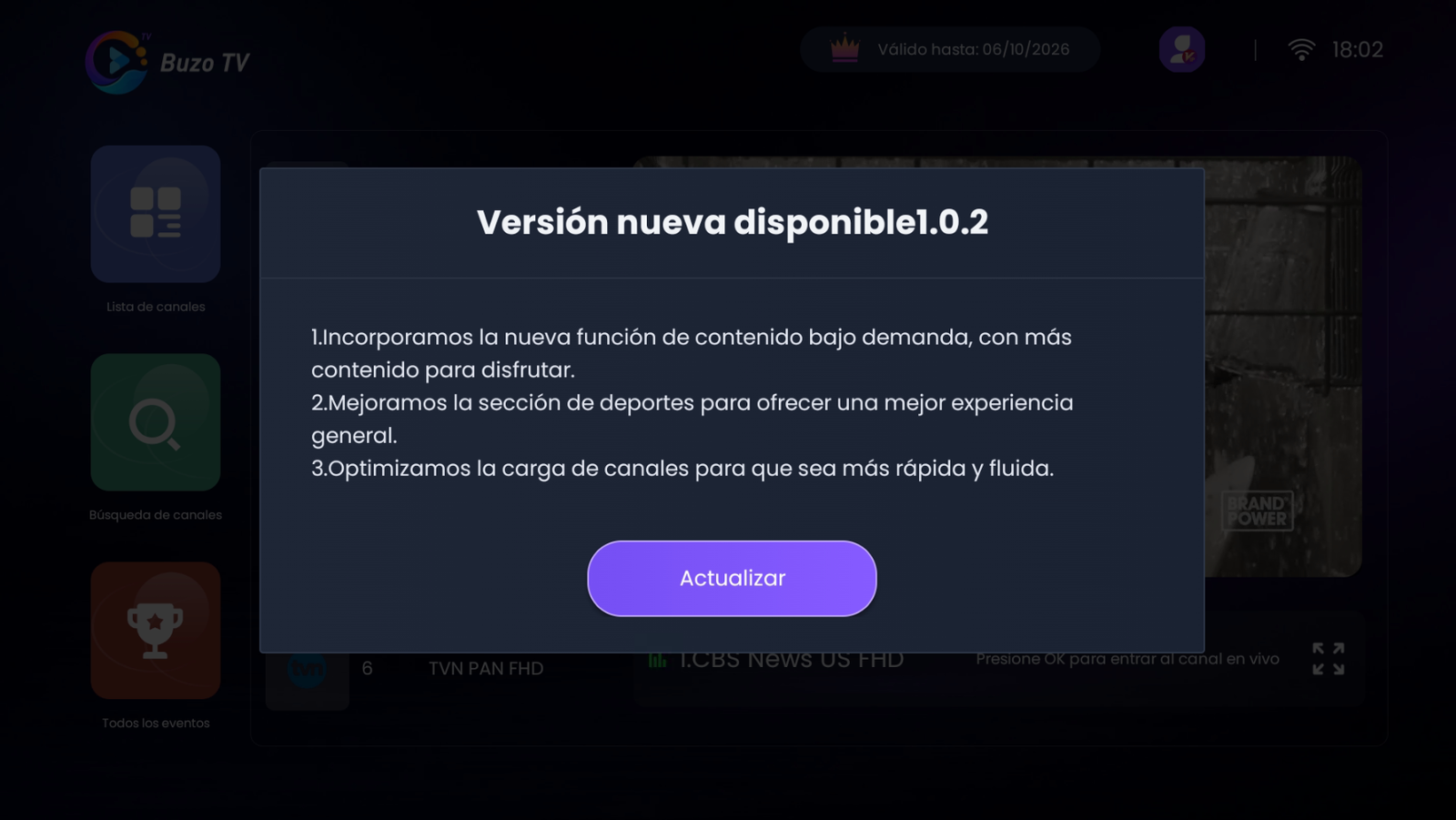
If you see an error like this while updating, continue with Method 1 (or Method 2 if you prefer a clean reinstall):
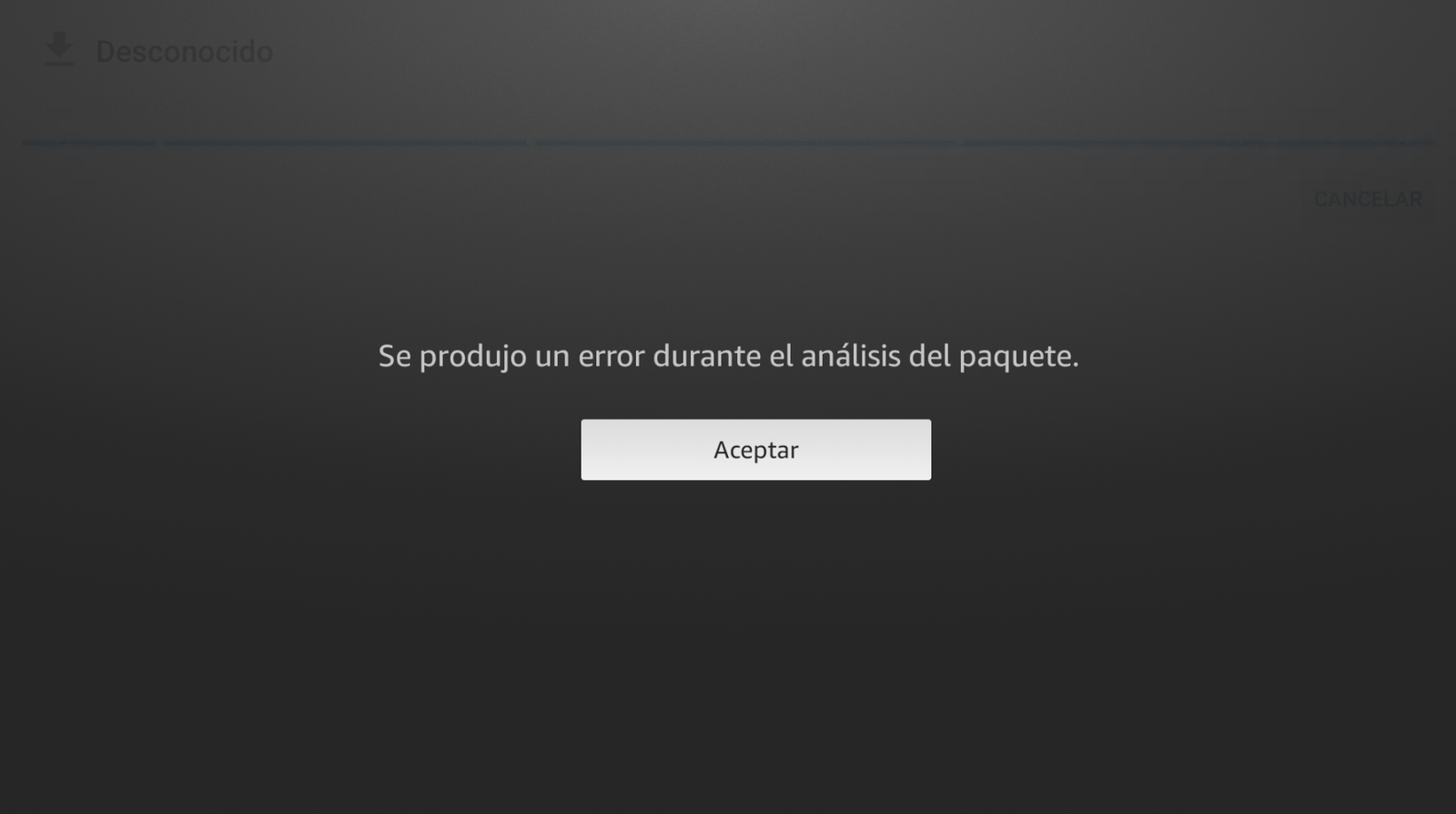
Method 1: Clear cache and data (clean update)
-
Return to your Firestick home screen.
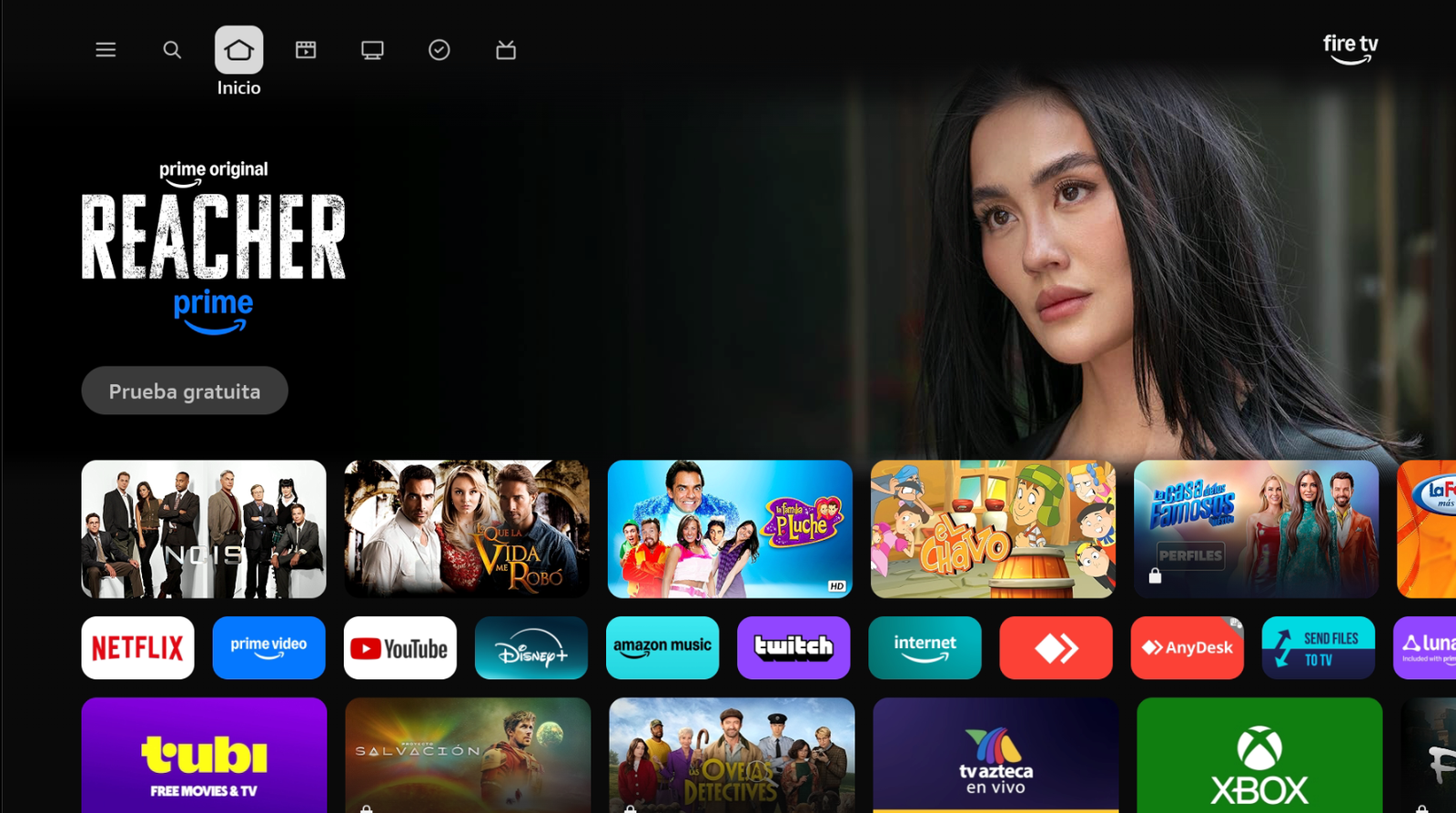
Go back to Home. -
Go to Settings → Applications → Manage installed applications and find Buzo TV.
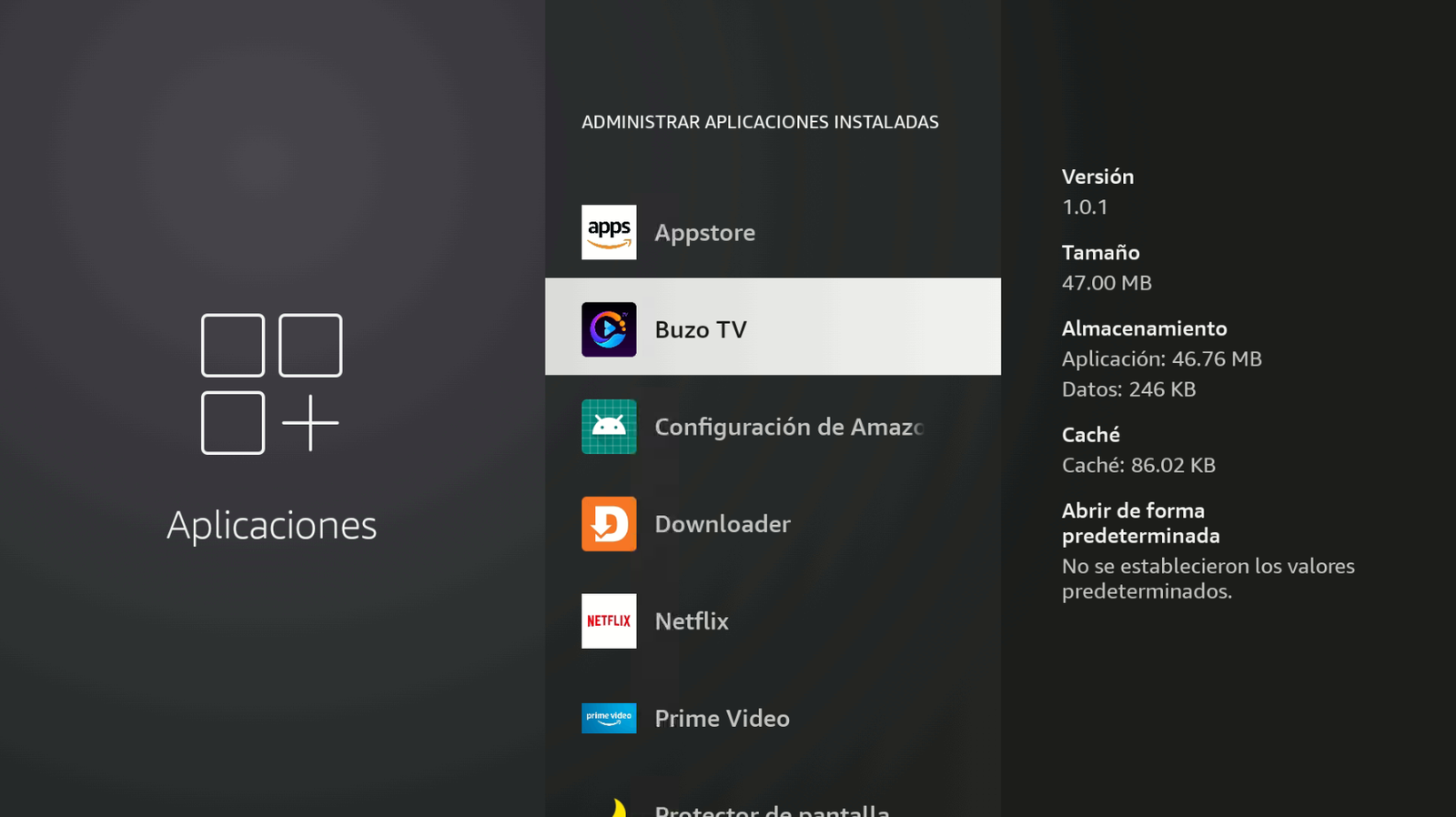
Select Buzo TV. -
Clear the cache and storage data (Clear data).
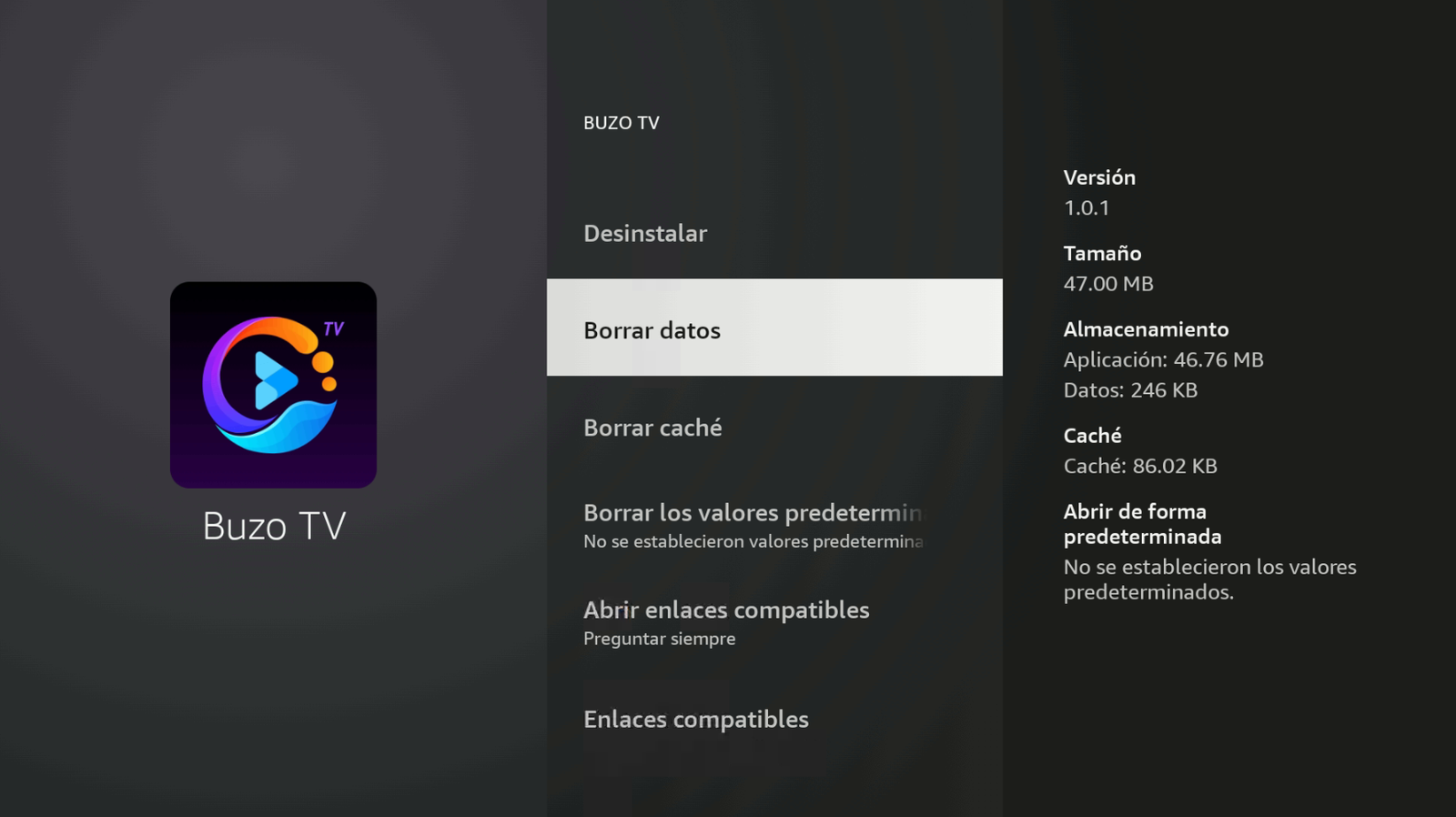
Clear cache and Clear data. -
Go to Settings → My Fire TV → Developer options → Install unknown apps and enable Buzo TV. Also confirm Downloader is ON.
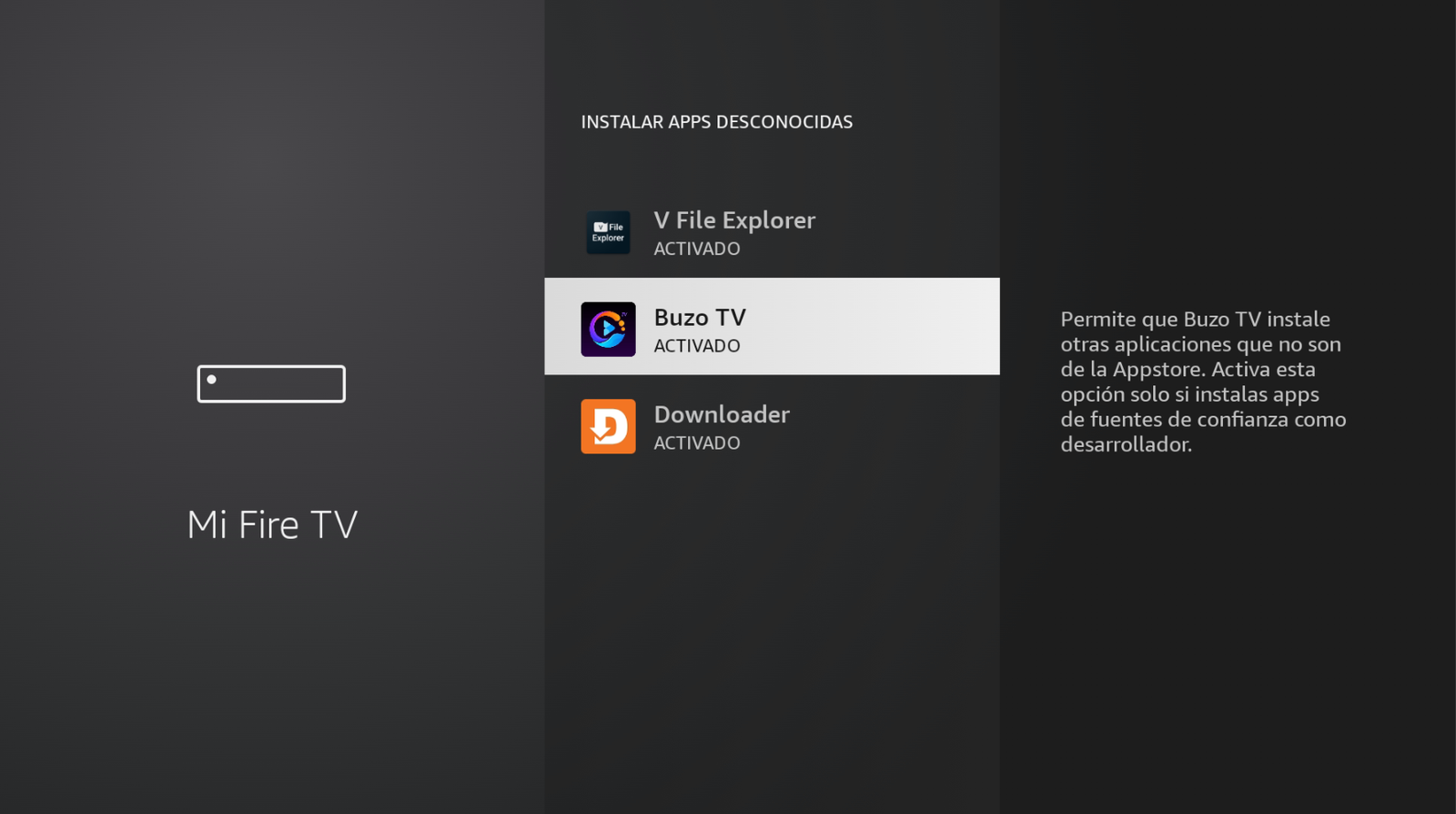
Buzo TV → ON / ACTIVADO. -
Return to Home, open Buzo TV, and sign in again.
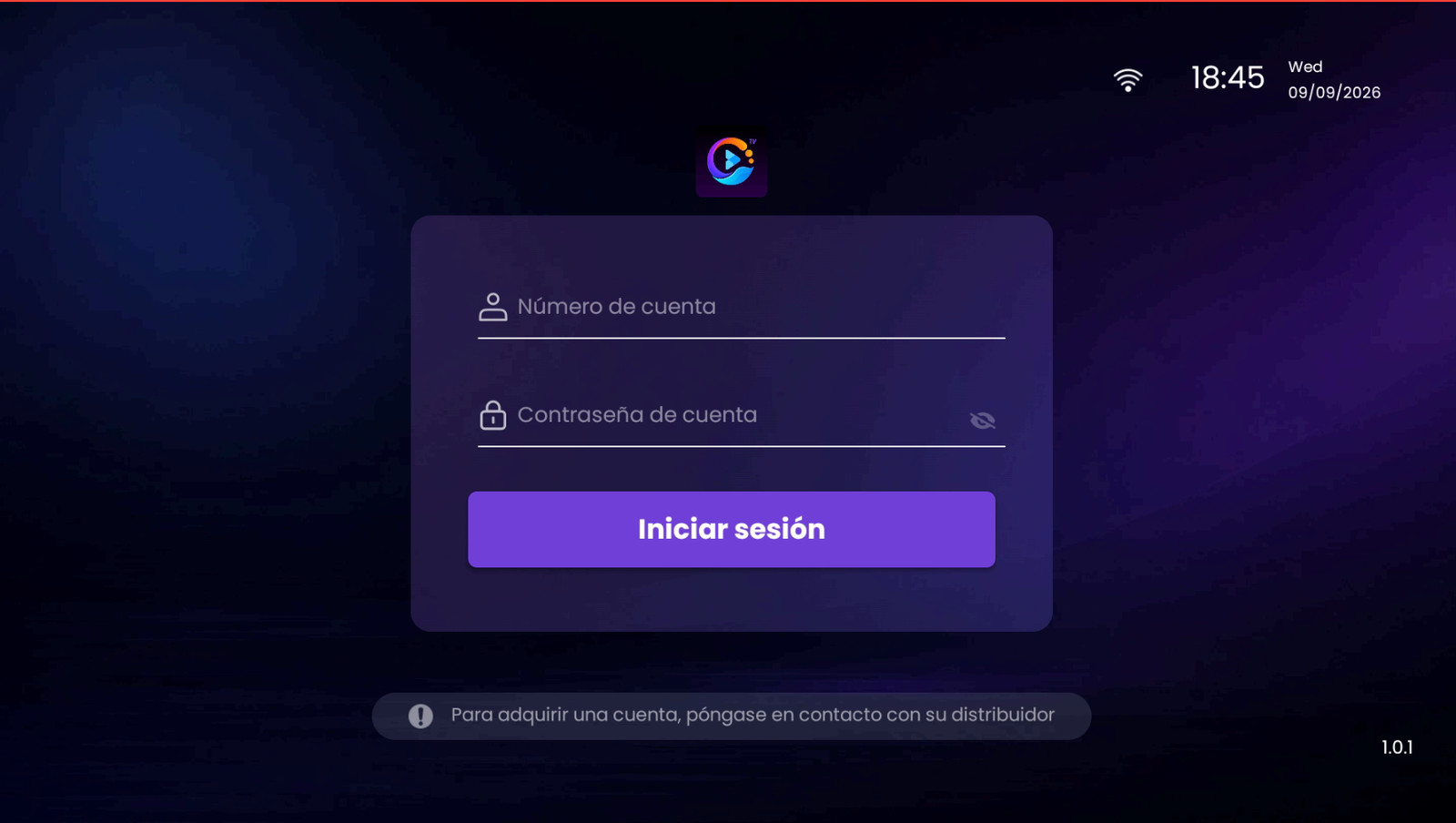
Sign in with your account. -
When the update window appears, tap Update (Actualizar).
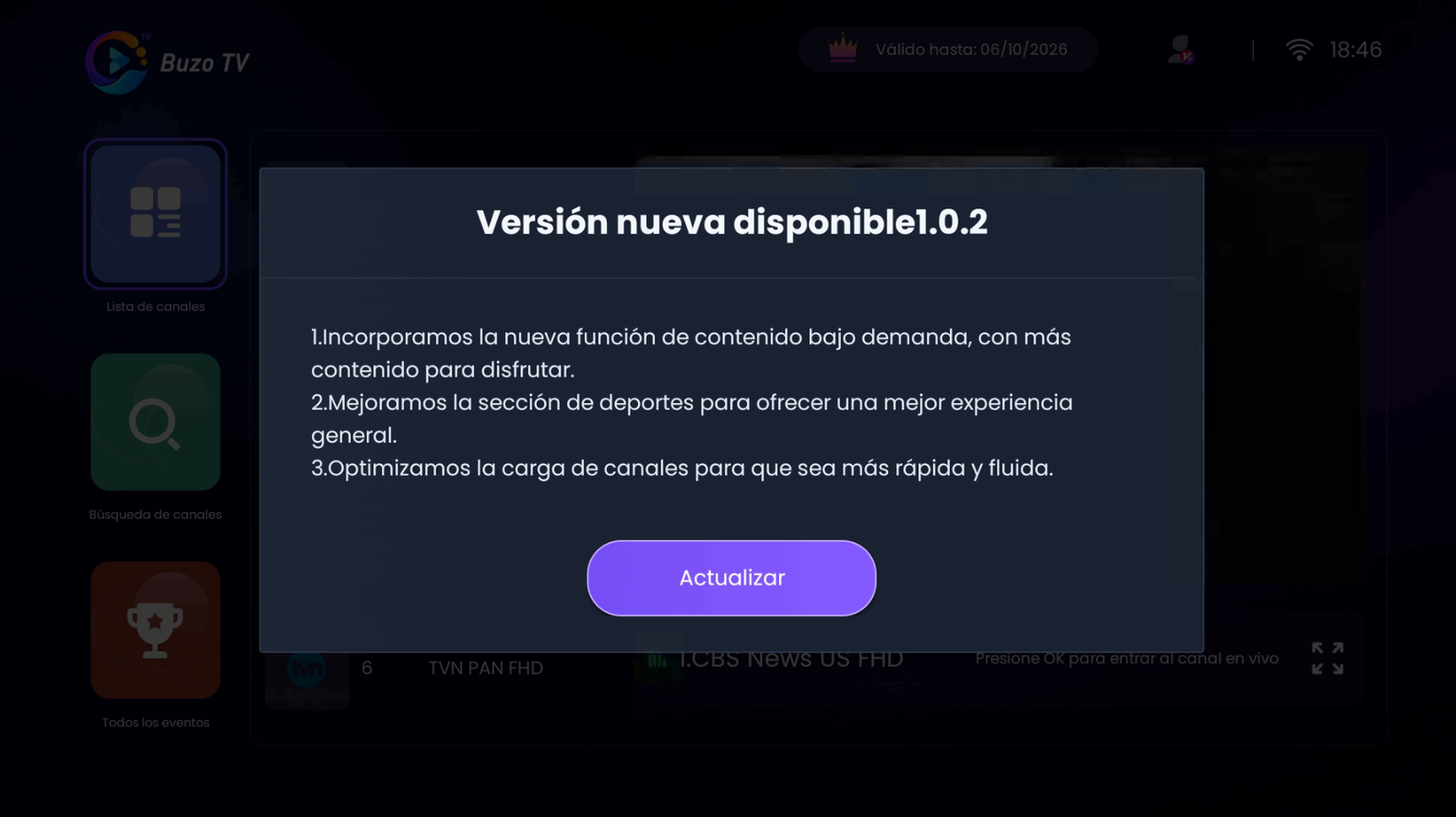
Tap Update. -
Wait for the download to finish.
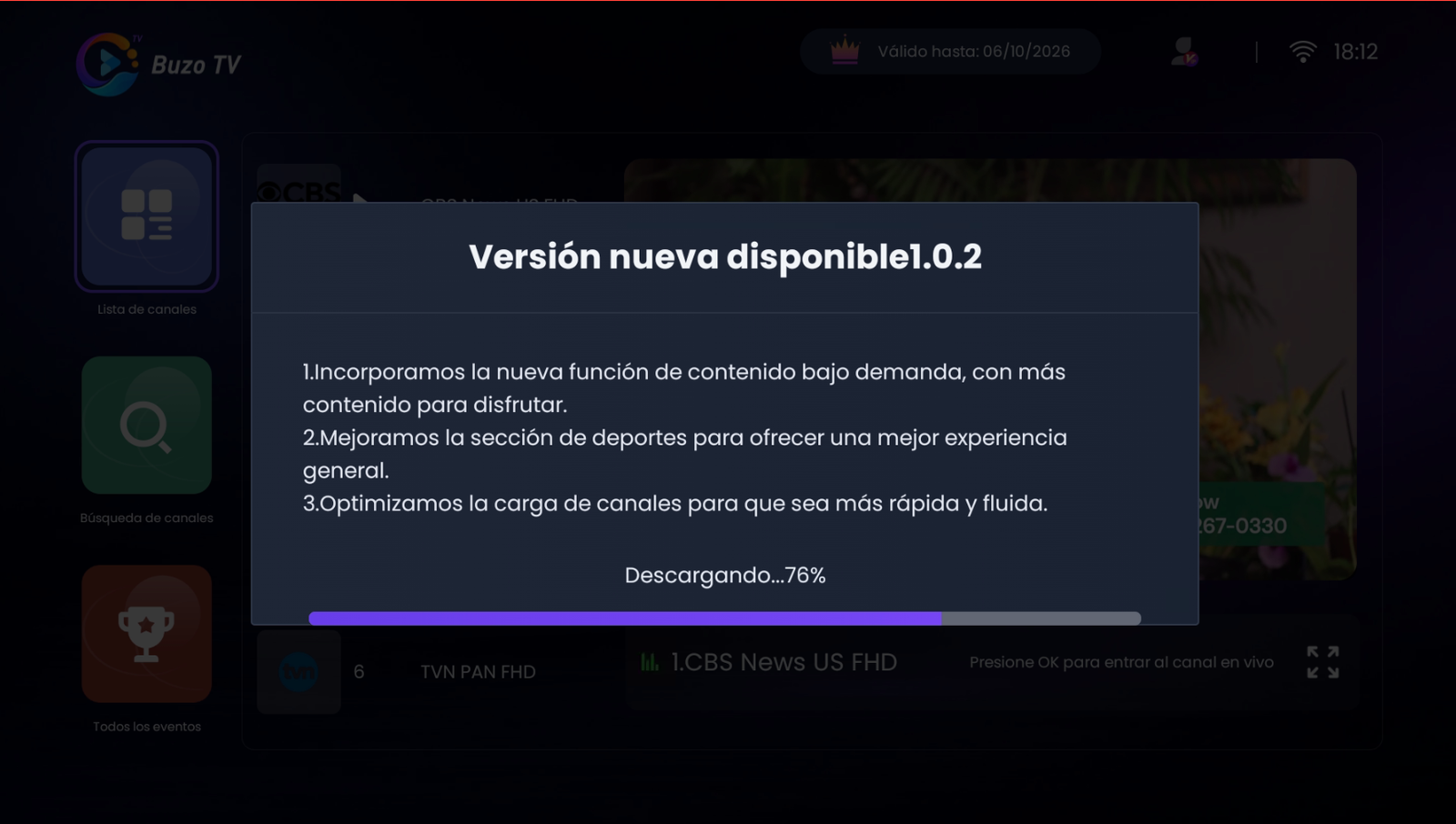
Downloading the new version. -
Tap Install when prompted.
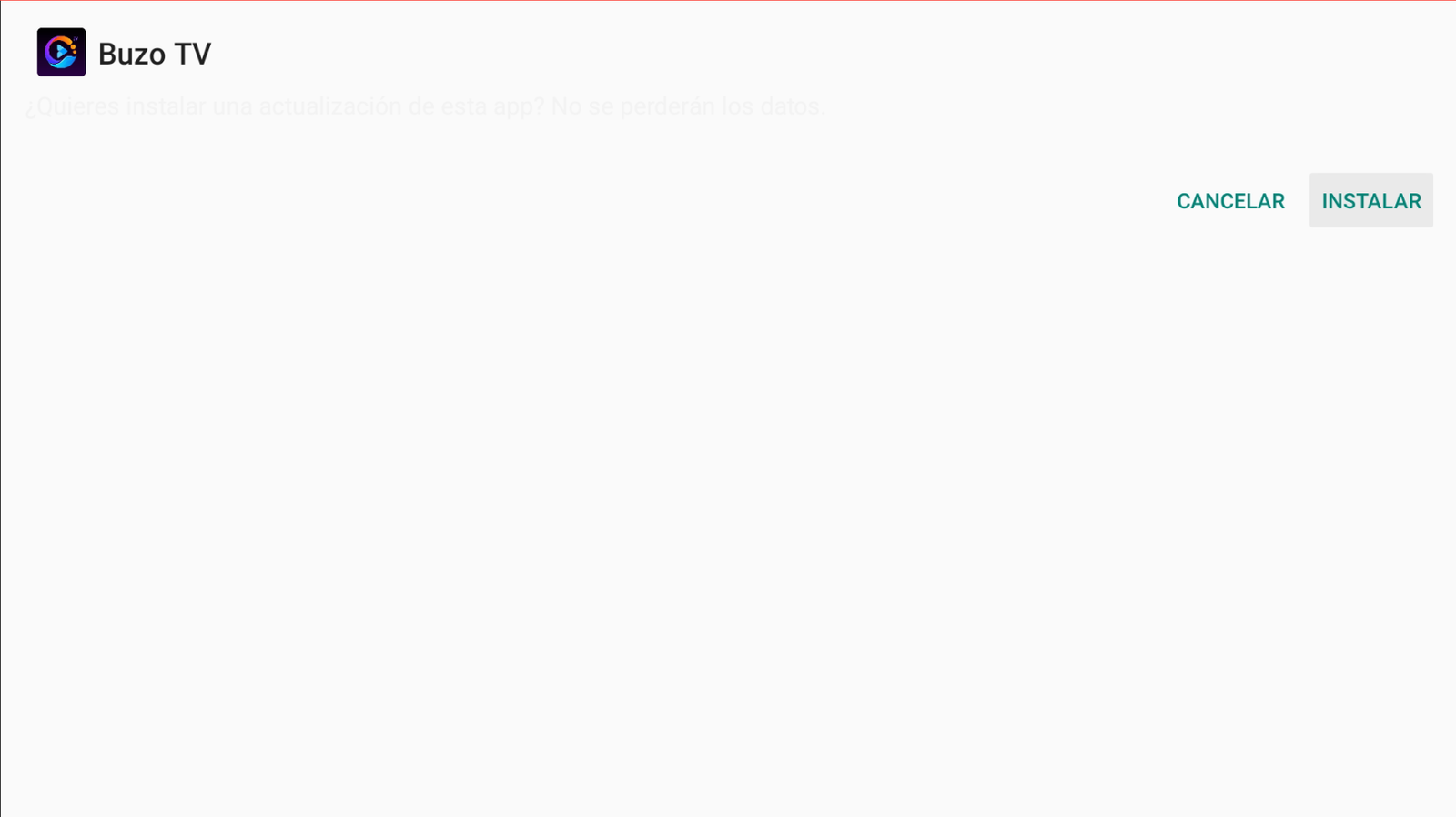
Tap Install. -
When it finishes, tap Open. Done.
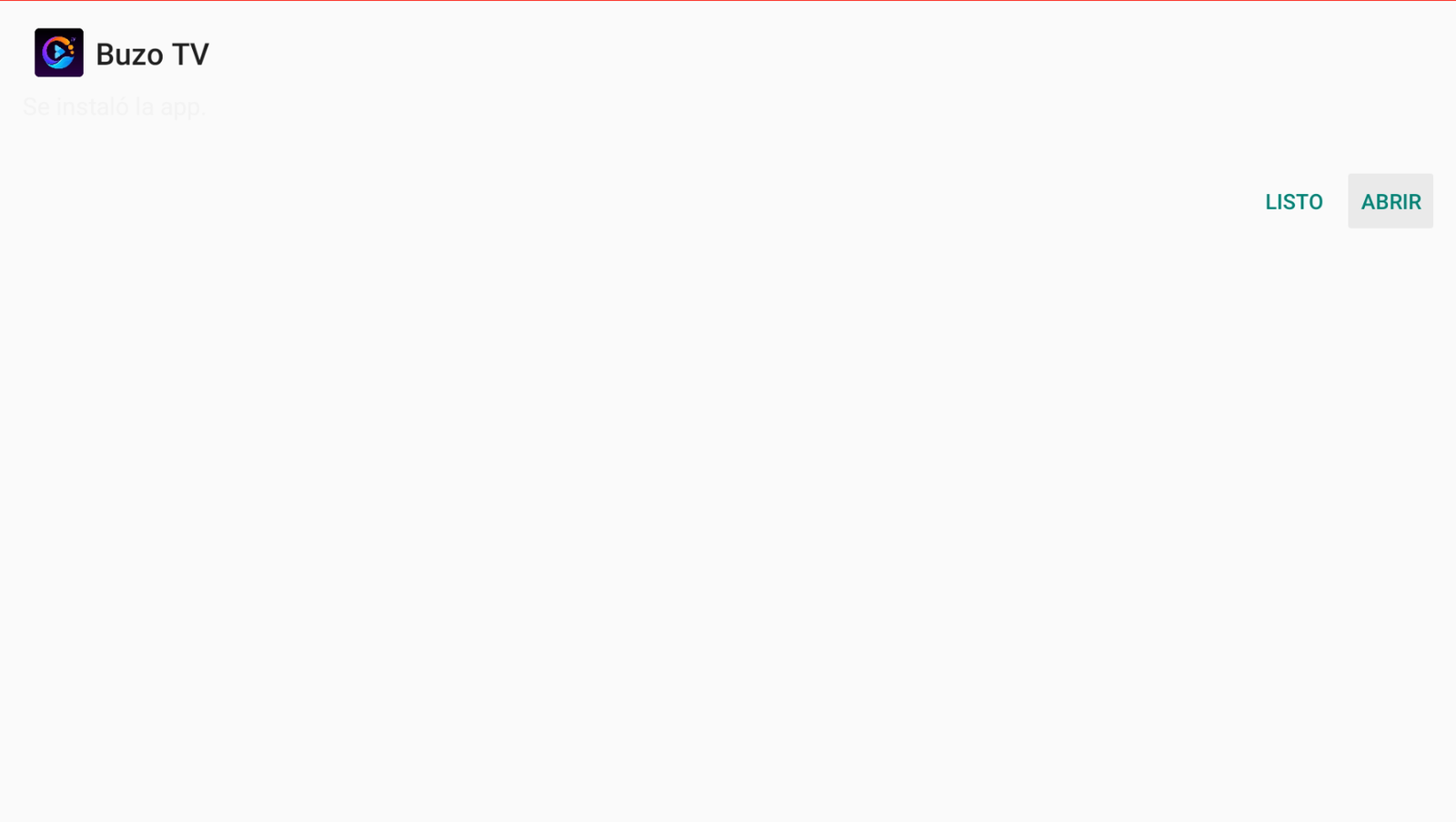
App installed → Open.
Method 2: Uninstall Buzo TV and reinstall cleanly
-
Uninstall the Buzo TV app.
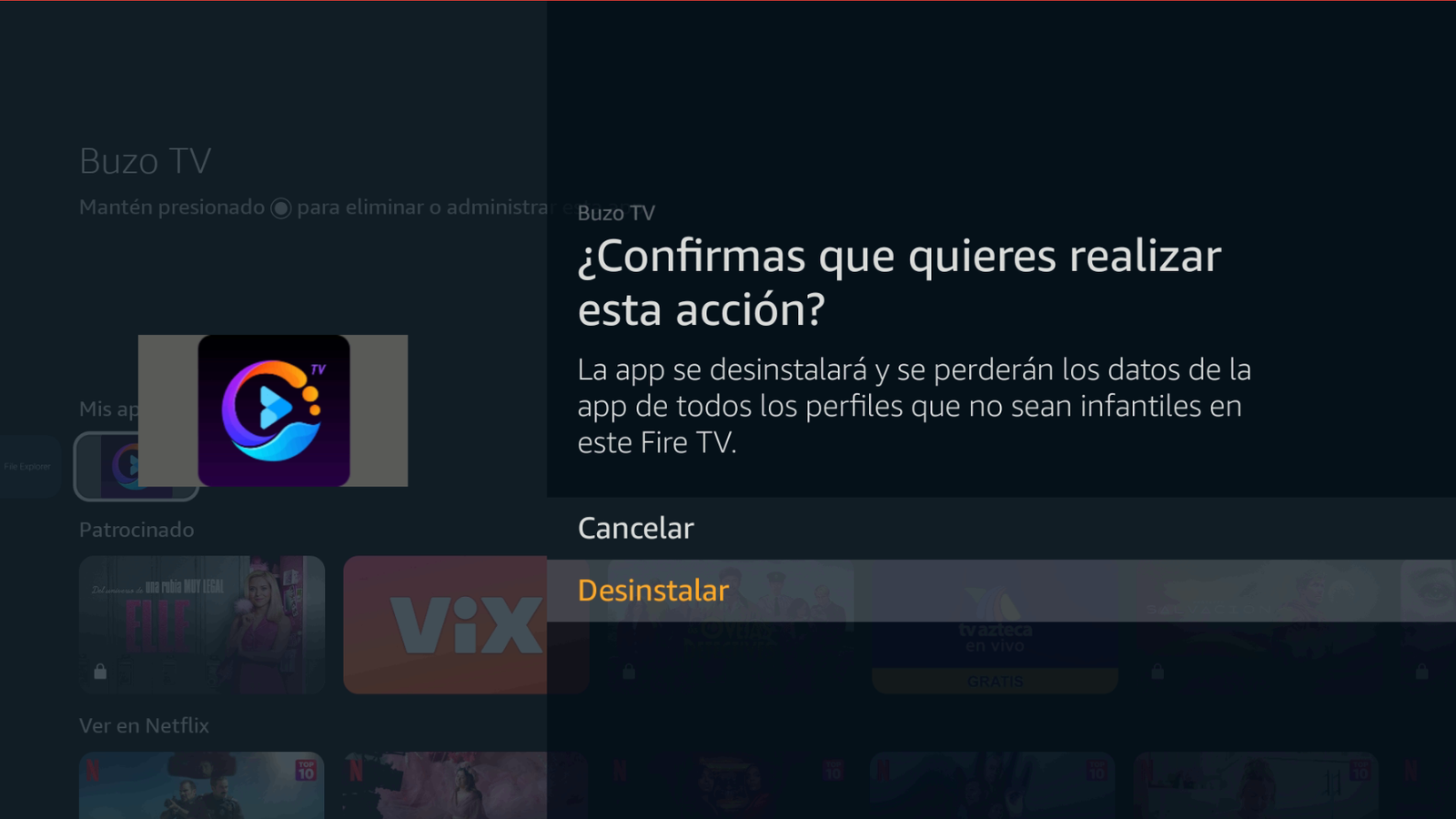
Confirm Uninstall. -
Go to Home → Settings → Applications and clear the cache for all apps.
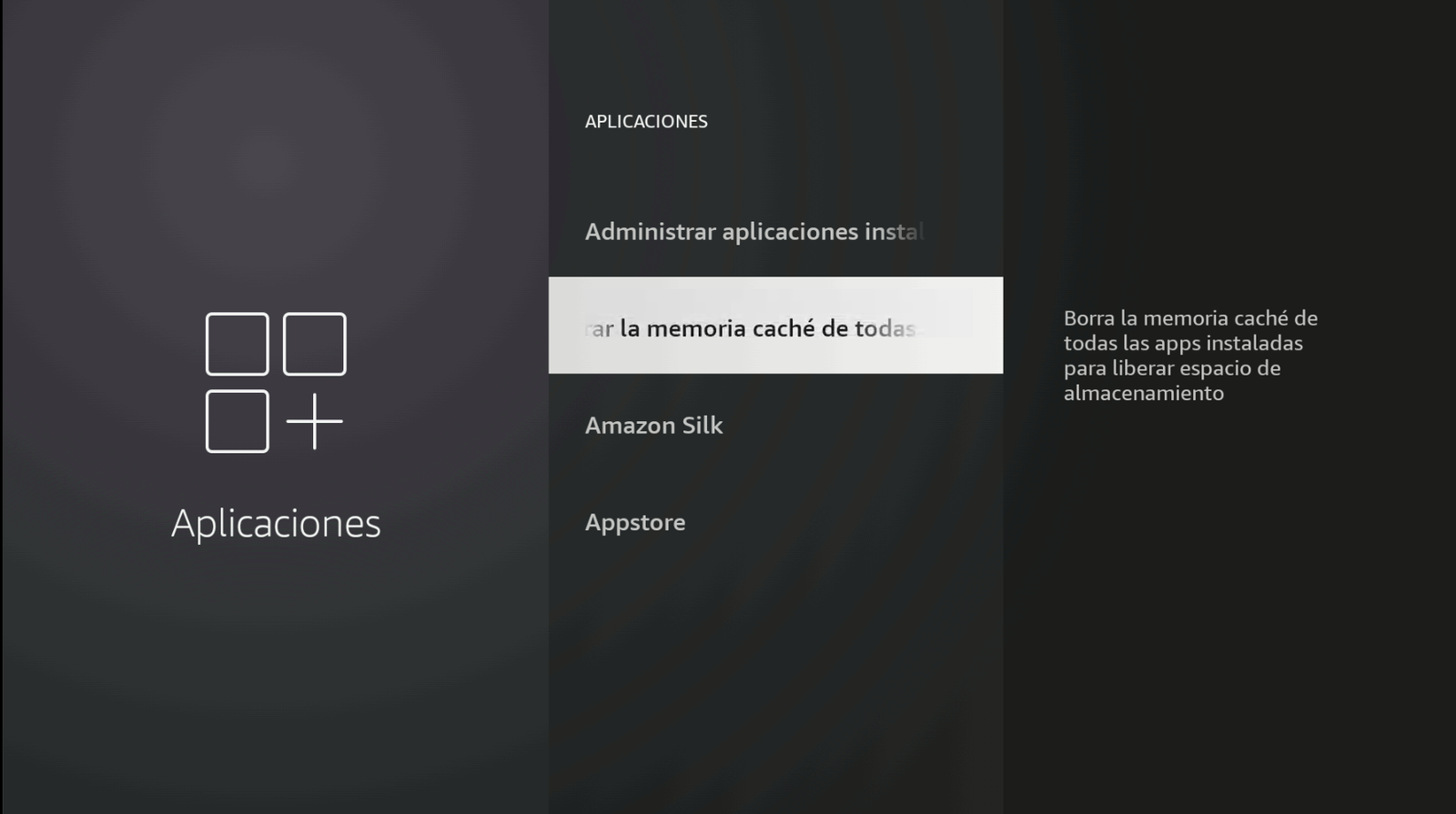
Clear cache for all apps. -
Open Downloader by AFTVnews, enter code 1844423, and tap Next.
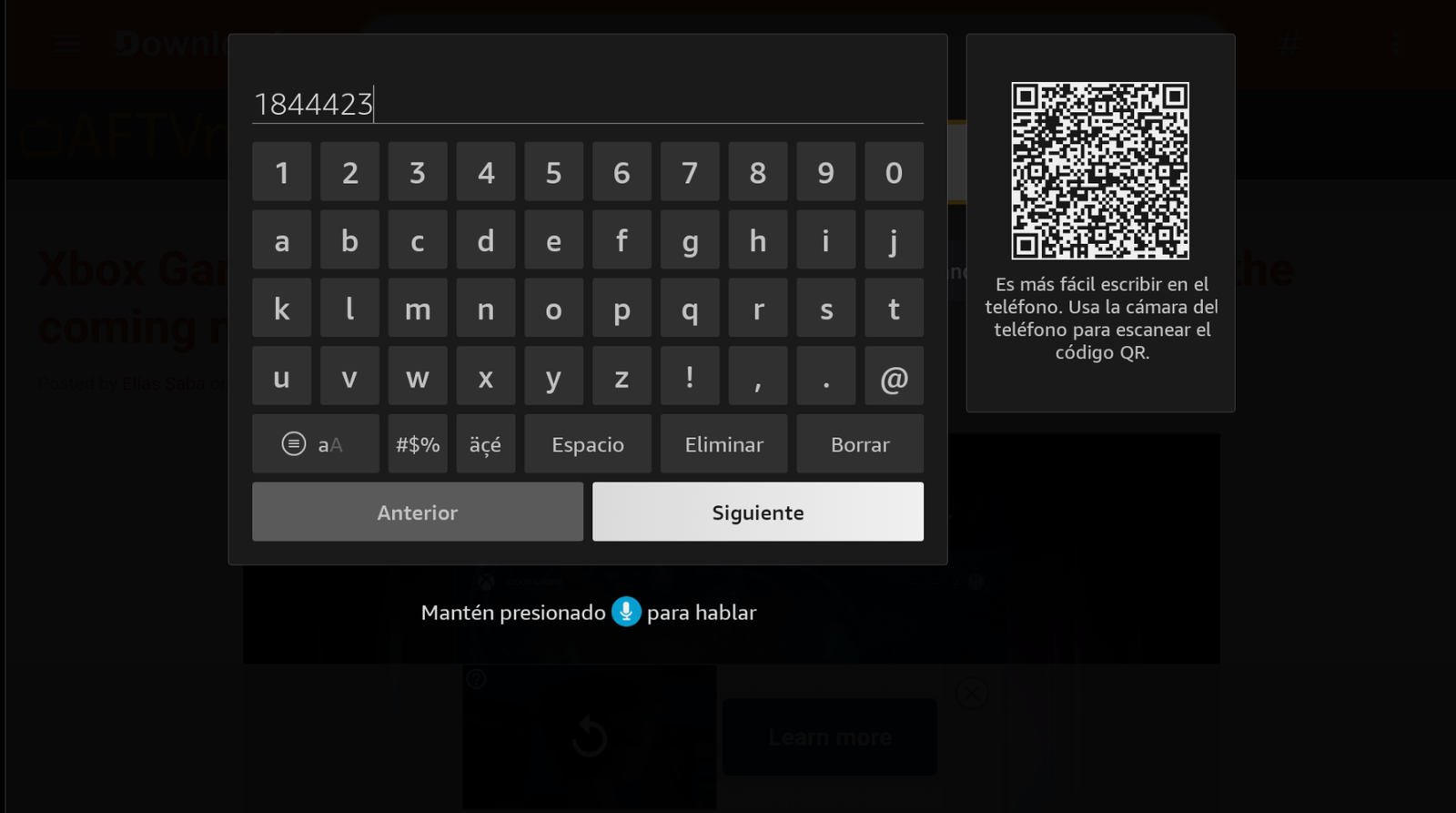
Code: 1844423 → Next. -
Wait a few seconds for the download to finish.
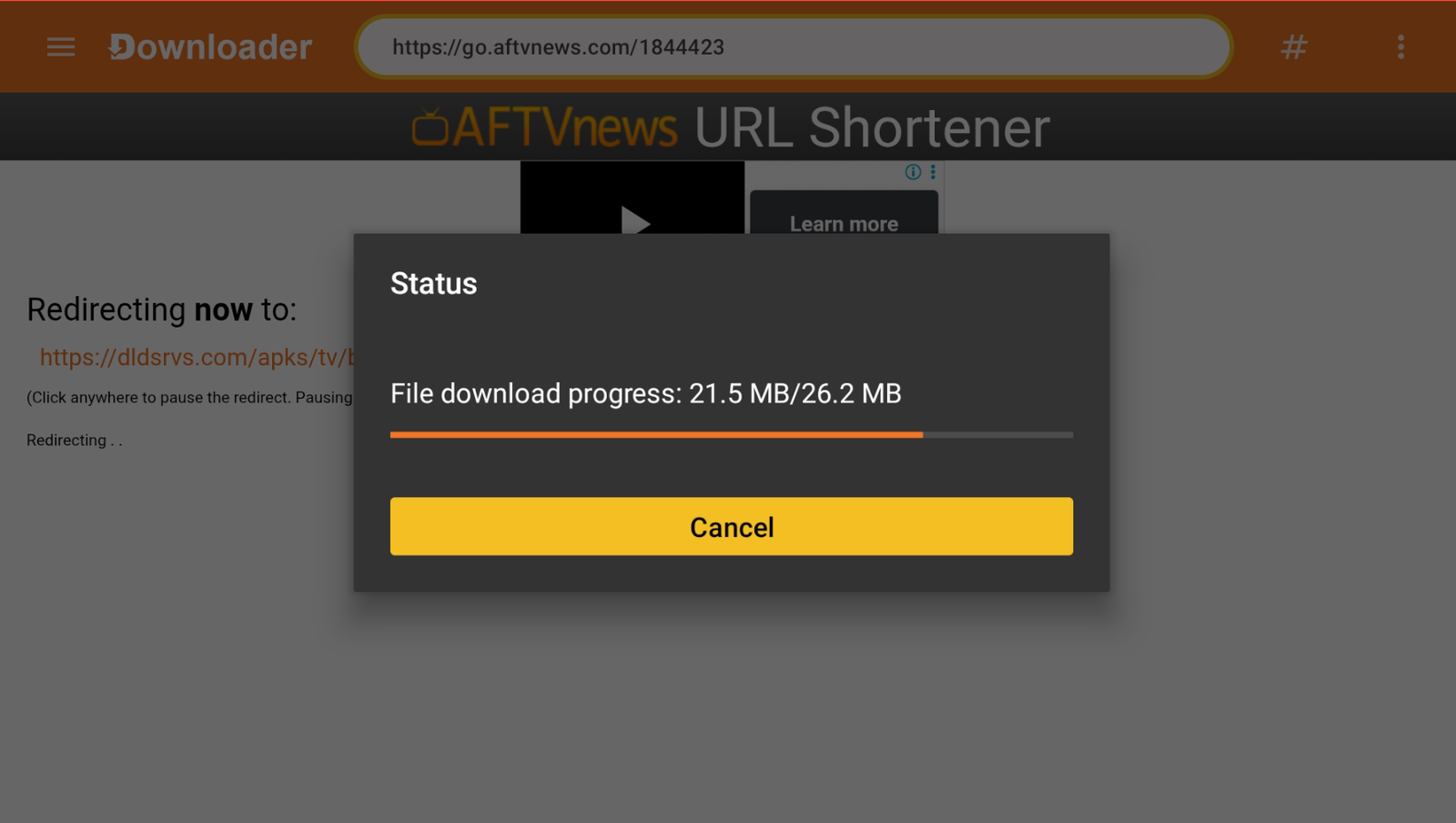
Wait for the download to finish. -
Tap Install.
Tap Install. -
Tap Open and sign in again. No account yet? Contact: +52 55 2707 7840.
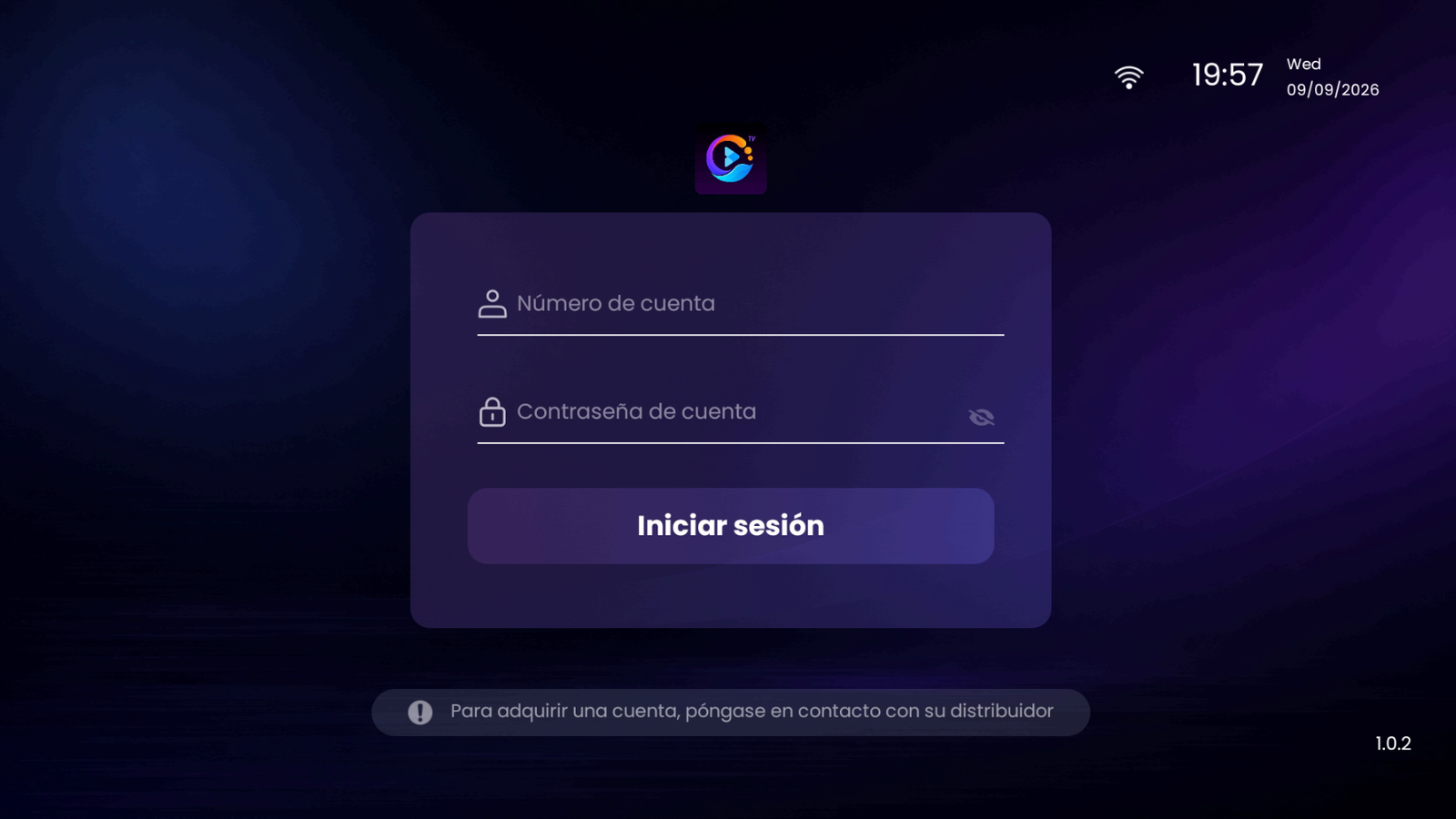
Sign in with your account.
Related guides
Buy Buzo TV
To buy a Buzo TV account, contact us on WhatsApp: +52 55 2707 7840.
Comments
Comments will appear once Disqus is configured.